
For maximum flexibility and compatibility, the "ThemeWare® CMS styling" is based on CMS blocks and can be activated/deactivated for different page types in the "Shopping Experiences" tab.
The "ThemeWare® CMS styling" will only be applied in Shopping Experiences with the size mode "Boxed content".
Tip: Please find application examples in our demoshops.
ThemeWare® CMS styling
On CMS pages with active "ThemeWare® CMS styling", CMS blocks get a basic configuration. This currently consists of a border colour (or border-color), a background colour (or background-color), and an outer distance to the bottom.
These colours are also configurable via the tab "Shopping Experience" and are applied to all pages with active "ThemeWare® CMS styling".
Individual customization with CSS classes
Since the "ThemeWare® CMS styling" is practically the same for all CMS blocks, there are new CSS classes in addition to the global styling to specifically "reset" desired blocks. This allows you to remove or reset the complete "ThemeWare® CMS styling" for a CMS block or each the border colour (or border-color), the background colour (or background-color) or the outer distance.
Conversely, there are of course also cases where CMS blocks should still be styled appropriately on pages without "ThemeWare® CMS styling". We have also thought of this: Using additional new CSS classes, the "ThemeWare® CMS styling" can be added manually to any desired CMS block. This allows to apply the whole "ThemeWare® CMS styling" or each for the border colour (or border-color), the background colour (or background-color) or the outer distance on a CMS block.
CSS classes
| Class | Block/Section | Description |
|---|---|---|
| twt-cms-block | Block | The relevant CMS block receives predefined styling (border-color, background-color, outer distance to the bottom). |
| twt-cms-block-margin | Block | The corresponding CMS block receives the outside distance to the bottom from the predefined styling. |
| twt-cms-block-border | Block | The corresponding CMS block receives the border-color from the predefined styling. |
| twt-cms-block-background | Block | The corresponding CMS block receives the background-color from the predefined styling. |
| twt-cms-block-reset | Block | The predefined styling will not be applied to the corresponding CMS block (border-color, background-color, outside distance to the bottom). |
| twt-cms-block-reset-margin | Block | The outer distance downwards of the predefined styling will be removed in the corresponding CMS block. |
| twt-cms-block-reset-border | Block | The border-color of the predefined styling will be removed in the corresponding CMS block. |
| twt-cms-block-reset-background | Block | The background-color of the predefined styling will be removed in the corresponding CMS block. |
| twt-cms-reset-padding | Section | This class removes duplicate paddings in layouts with sidebar. |
Note: Please find all ThemeWare® CSS classes in our article ThemeWare® CSS classes for Shopping Experiences.
Sidebar Shopping Experiences
Starting from ThemeWare® 0.3.1, there are two layout variants for the sidebar section. Please find the corresponding configuration in the tab "Shopping Experiences".
- Variant 1
- The sidebar section and the content section will be combined (as usual) to one container with "ThemeWare® CMS styling".
- Variant 2
- The sidebar section will not be combined or merged with the content section.
Tip: You will find the configuration "Combine sidebar sections (CMS Pages)" in the Tab "Shopping Experiences" => Block "ThemeWare® CMS styling" => Section "Basic configuration".
Examples
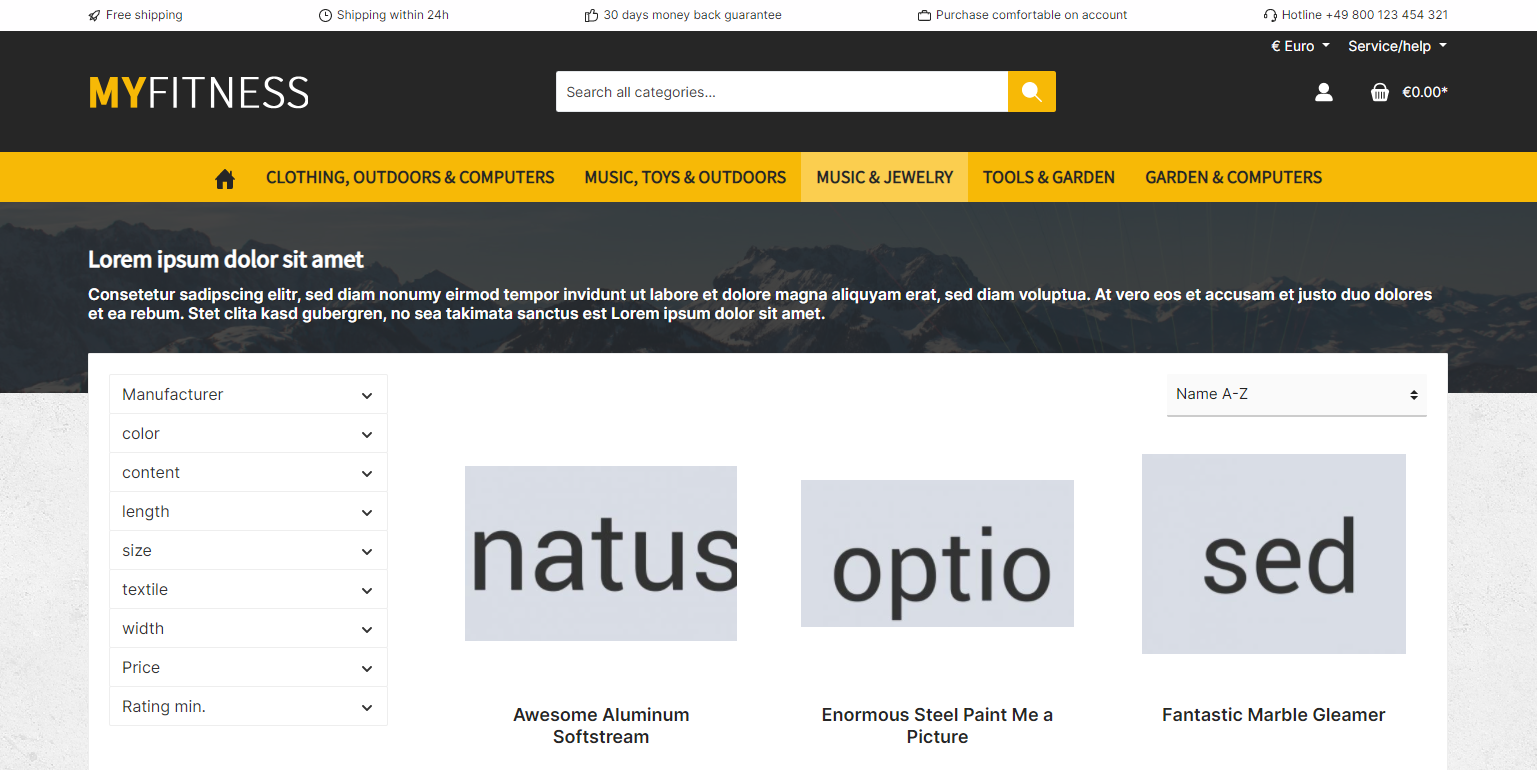
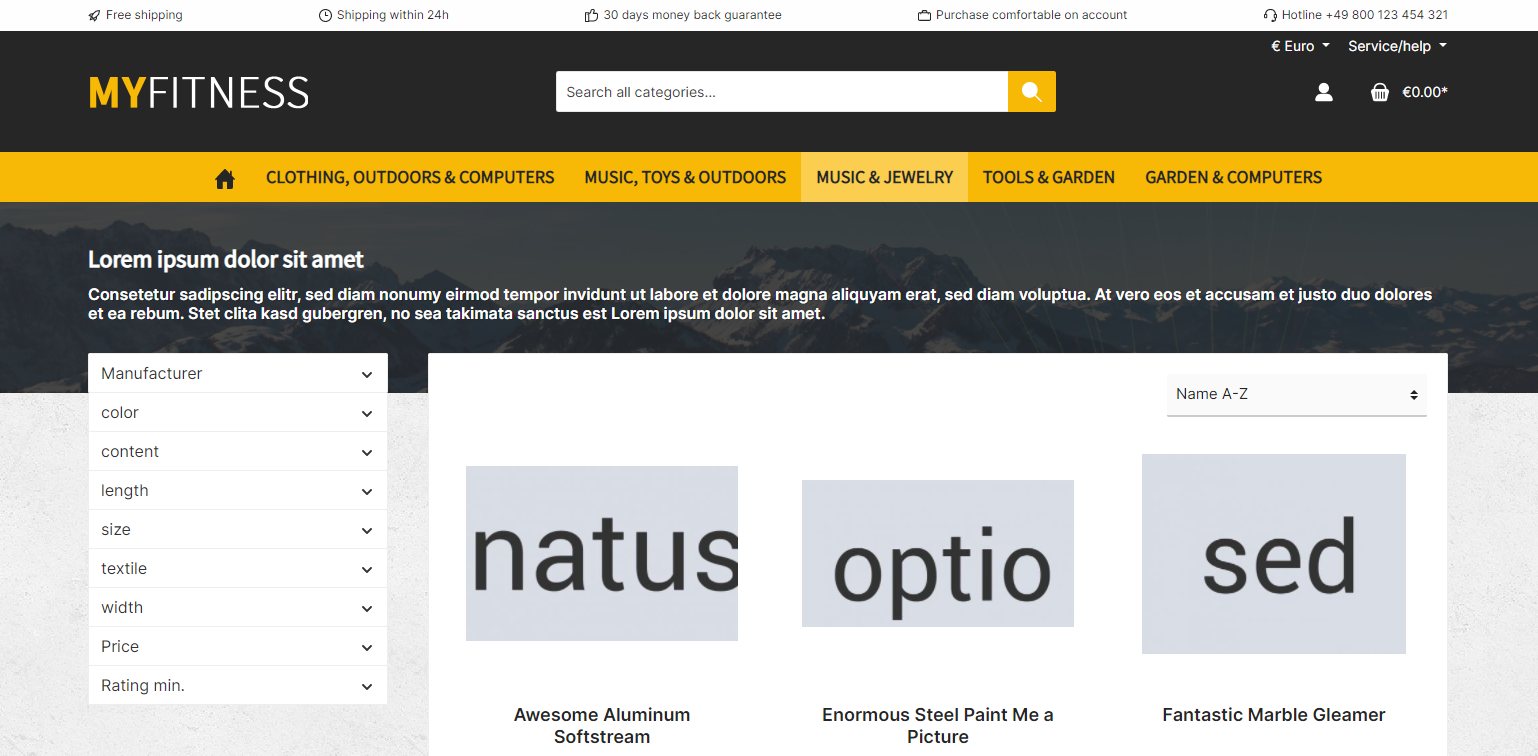
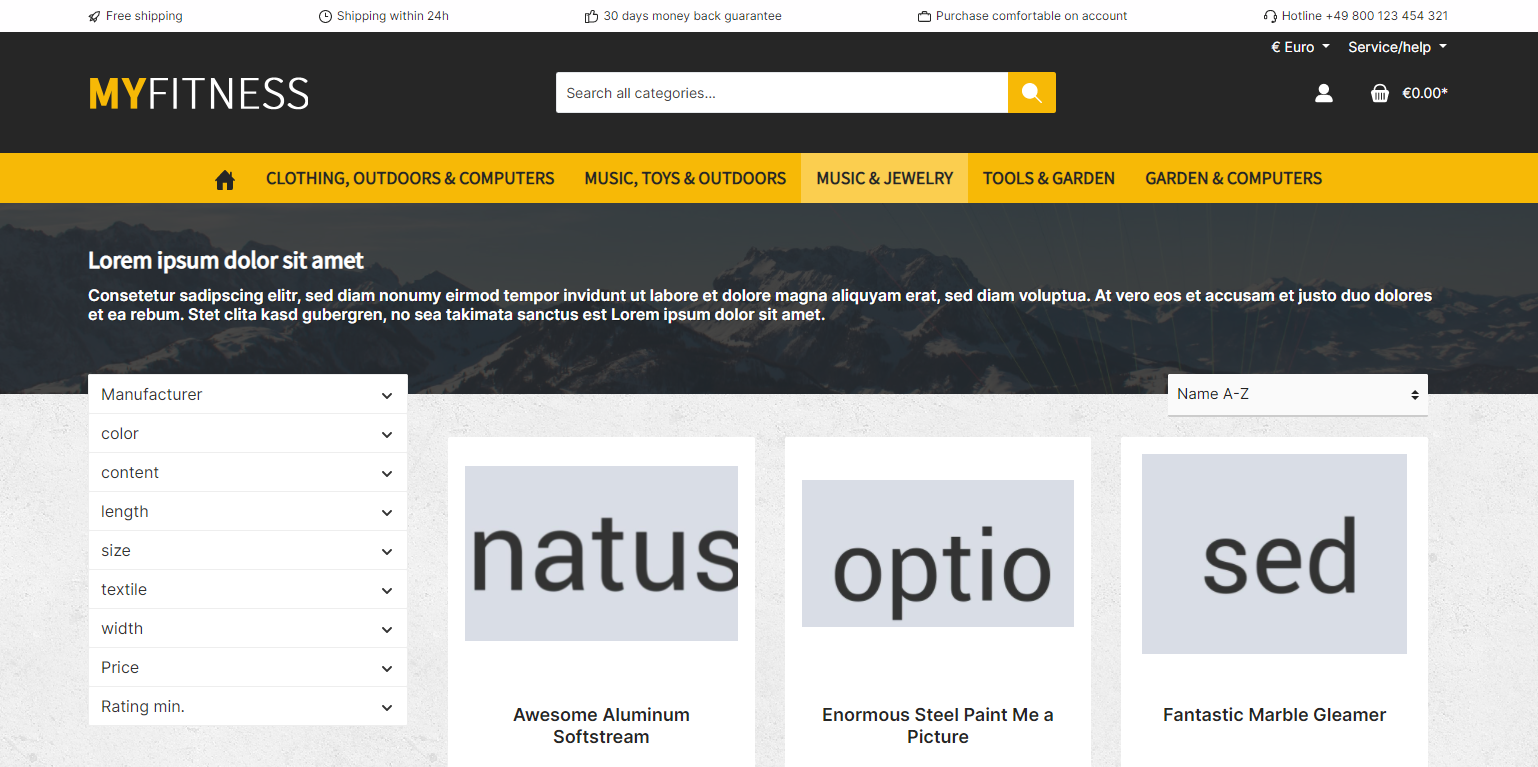
How to use Bootstrap CSS classes
The CMS styling adds a border, a background colour and the margin at the bottom to the respective CMS block – as explained above.
background-color: #ffffff;
border: 1px solid #eeeeee;
border-radius: 2px;
margin-bottom: 20px;
Shopware has removed !important instructions from Bootstrap utility classes with version 6.6.0 (see NEXT-29246). As a result, some CSS classes available in Bootstrap are now overwritten by the CMS styling due to the corresponding CSS hierarchy.
For example, the following CSS classes and their variants are affected:
.bg-info
.bg-opacity-10
.border-0
.border-5
.border-success
.border-info-subtle
.border-opacity-50
.mb-4
.rounded-bottom
.rounded-4
If you want to use these Bootstrap CSS classes for the border, the background or the margin-bottom, please remove the CMS styling for the corresponding CMS block with the CSS class twt-cms-block-reset.