
ThemeWare® offers various CSS decoration classes for images in CMS blocks. This instruction page will introduce all CSS classes to you.

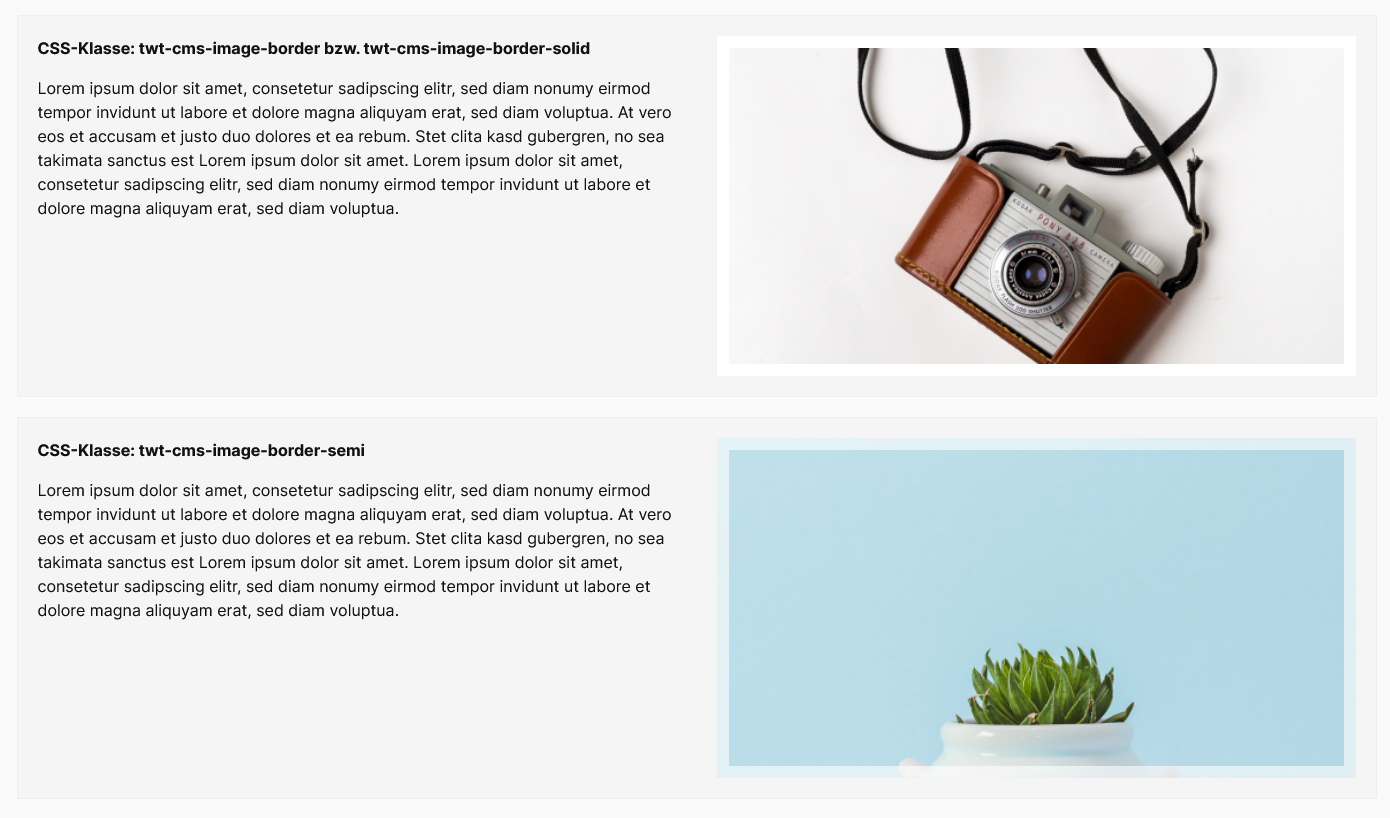
Right: Decoration class "twt-cms-image-border-semi"
Tip: You can find application examples in our demoshops.
ThemeWare® CSS decoration classes for images
Border
Adds a 12px thick border to images in a CMS block.
CSS classes
| Class | Block/Section | Description |
|---|---|---|
| twt-cms-image-border bzw. twt-cms-image-border-solid | Block | Adds a 12px thick border to images in a CMS block. |
| twt-cms-image-border-semi | Block | Adds a 12px thick, semi-transparent border to images in a CMS block. |
Note: How to insert the CSS classes you will learn in our article ThemeWare® CSS classes for Shopping Experiences.
Example
Shadow (Bootstrap)
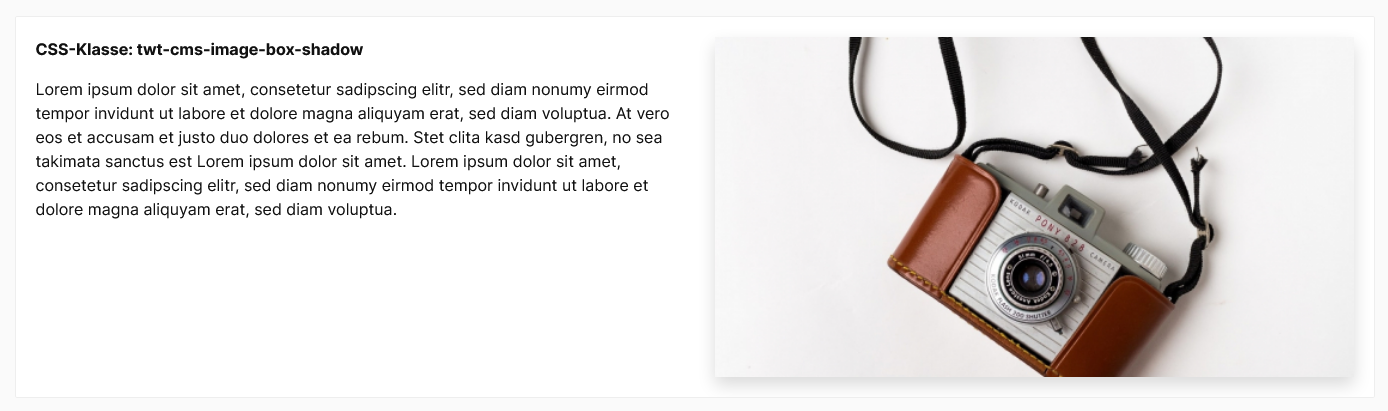
Adds a drop shadow to images in a CMS block.
CSS classes
| Class | Block/Section | Description |
|---|---|---|
| twt-cms-image-box-shadow-sm | Block | Adds a subtle drop shadow to images in a CMS block. |
| twt-cms-image-box-shadow | Block | Adds a drop shadow to images in a CMS block. |
| twt-cms-image-box-shadow-lg | Block | Adds a noticeable drop shadow to images in a CMS block. |
Example
Shadow (ThemeWare®)
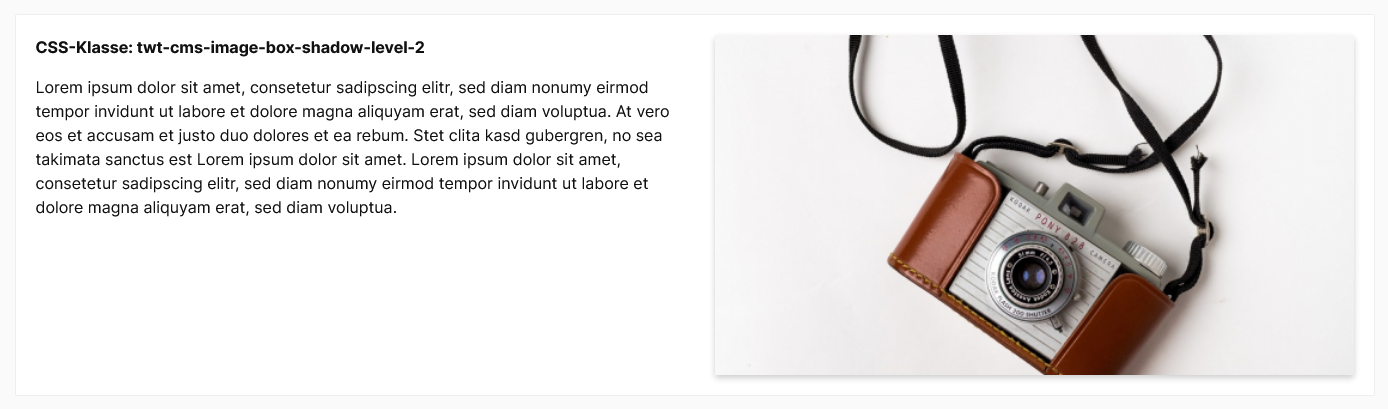
Adds a drop shadow to images in a CMS Block.
CSS Classes
| Class | Block/Section | Description |
|---|---|---|
| twt-cms-image-box-shadow-level-1 | Block | Adds a drop shadow to images in a CMS block. |
| twt-cms-image-box-shadow-level-2 | Block | Adds a drop shadow to images in a CMS block. |
| twt-cms-image-box-shadow-level-3 | Block | Adds a drop shadow to images in a CMS block. |
| twt-cms-image-box-shadow-level-4 | Block | Adds a drop shadow to images in a CMS block. |
| twt-cms-image-box-shadow-level-5 | Block | Adds a drop shadow to images in a CMS block. |
Example
Border radius
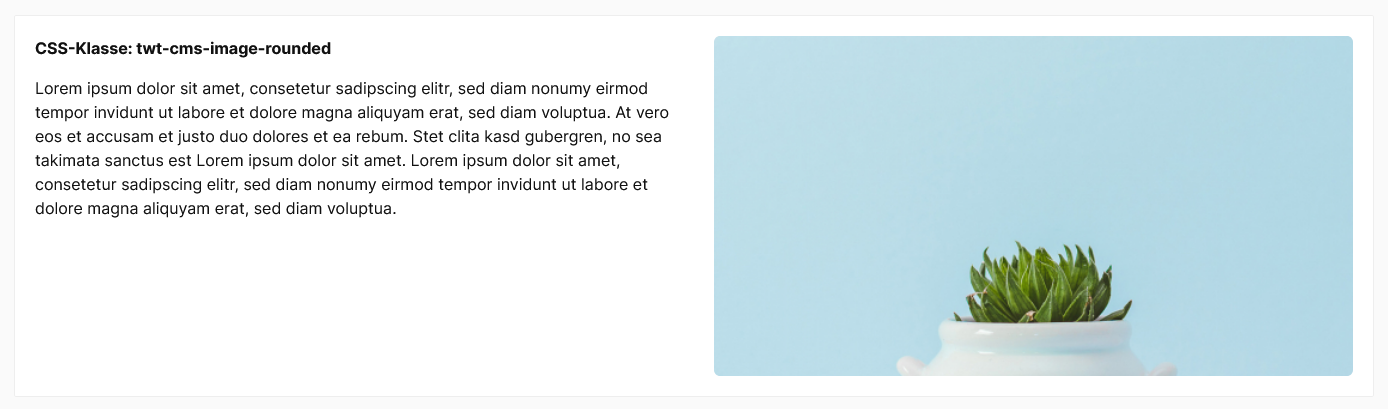
Rounds off images in a CMS block.
CSS classes
| Class | Block/Section | Description |
|---|---|---|
| twt-cms-image-rounded | Block | Rounds off images in a CMS block. |
Example
Note: You can activate or deactivate the ThemeWare® "CSS box shadow classes" and "CSS box shadow classes" as required. You can find the configuration in the Tab "Others" => Block "Advanced settings" => Section "Additional CSS classes".