
In this article you will find out where Shopware 6 stores the theme configuration in the database.
Note: This article is intended for professionals and experts. If you are not absolutely sure, we will be happy to support you: ThemeWare® Services at a glance
The configured values of the themes are saved in Shopware 6 in the database table "theme" (2) in the column "config_values" (4) for each theme or theme duplicate separately.
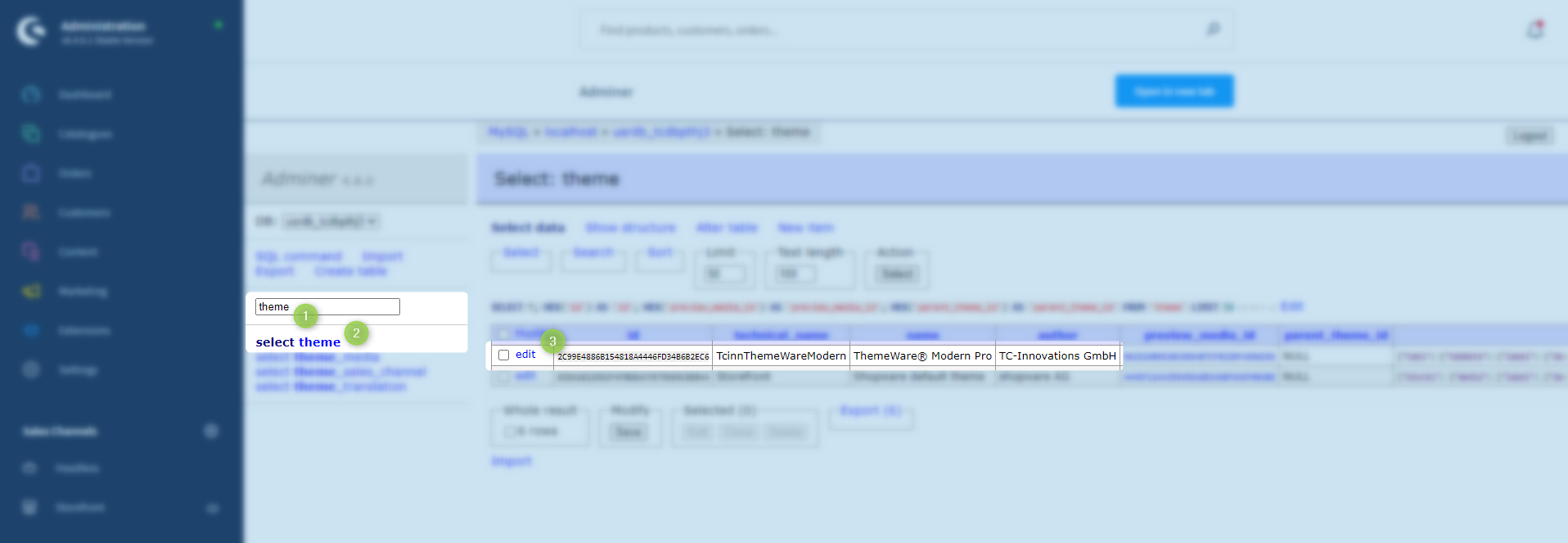
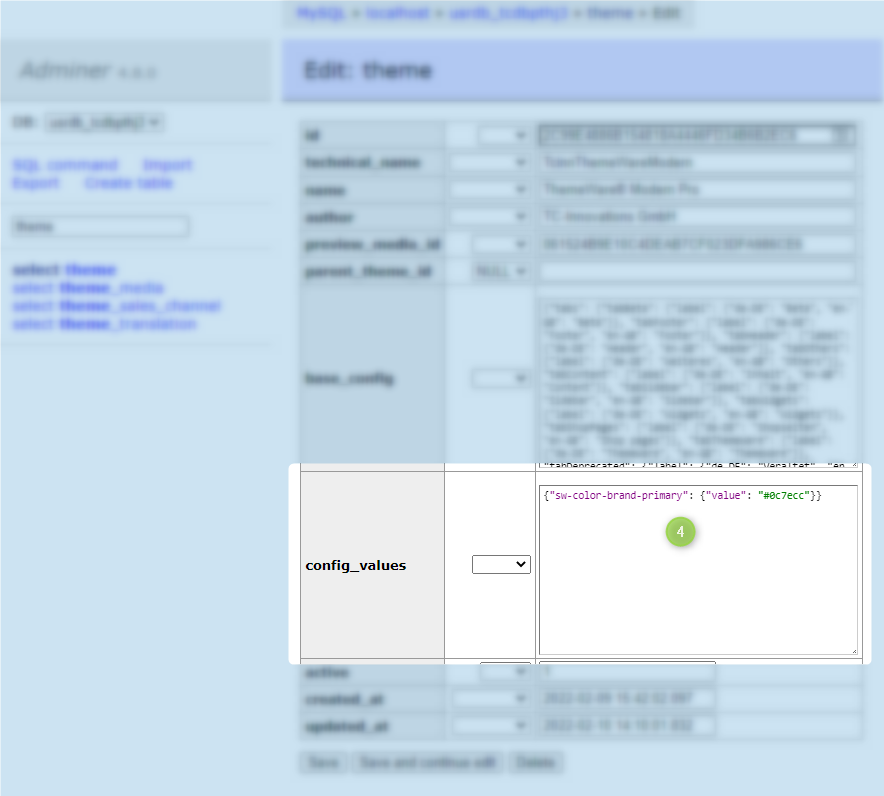
However, this column does not contain the complete set of configuration values, but only those that differ from the default configuration in the column "base_config".
Important: In the Shopware 6 Cloud currently is no possibility to reach the configuration via the database.
Examples of applications
You can save the content of the column "config_values" (4) and/or transfer it to another theme, to a theme duplicate in the same table or even to other Shopware installations.
Tip: For a quick access to the database we gladly use the extension Adminer for the Admin from Friends of Shopware.
Backup for safety
Manual editing of the database is suitable for experienced users who are familiar with the database. Get help if this does not apply to you.
Attention: Make sure you create a backup of your database before you make any changes here!