
Description
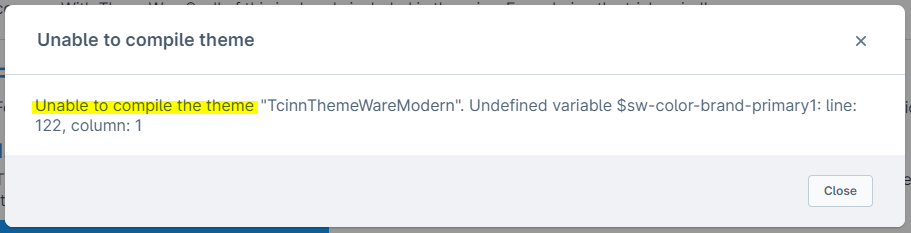
You get the error message Unable to compile the theme "TcinnThemeWare..." in the theme configuration.
Cause
There are several possibilities here, because this error can be caused by an unknown variable in a configuration field or by an incorrectly filled configuration field.
- Unable to compile the theme "TcinnThemeWare...". Undefined variable $...
- Unable to compile the theme "TcinnThemeWare...". parse error: failed at $...
In addition, there are new error messages due to the new validation of the theme configuration from Shopware 6.6.9:
- Unable to compile the theme "TcinnThemeWare...". Error: argument `$color` of `red($color)` must be a color
- Unable to compile the theme "TcinnThemeWare...". $color: 0 is not a color
- Unable to compile the theme "TcinnThemeWare...". $color2: 0 is not a color
Solution
The part directly after the message Unable to compile the theme "..." is decisive. It says Undefined variable $... or parse error: failed at $... or a reference to the variable $color or $color2.