
With the widget "Communities or social media" you can present your social media channels to customers.
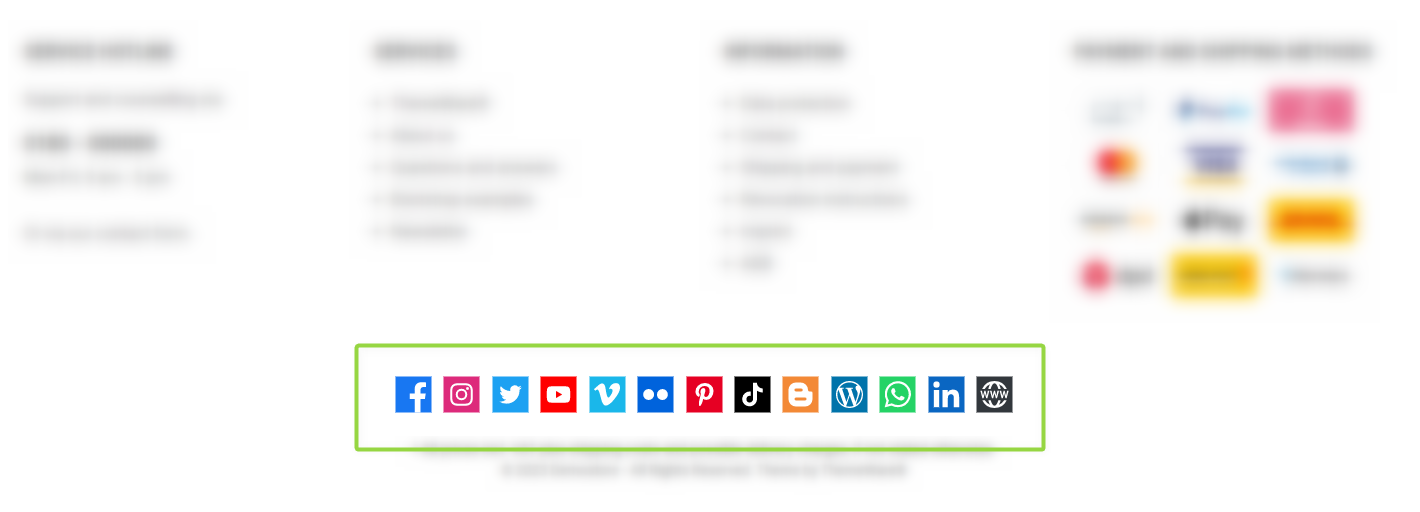
ThemeWare® "Communities or social media" widget
Configuration
You can configure the "Communities or social media" widget in the theme configuration.
You can find the configuration in the "Widgets" tab.
Content
- Edit the headline using the snippet
twt.widget.communities.headline. - Optional: Edit the additional text using the snippet
twt.widget.communities.additionalText. - For each channel you maintain the label via
twt.widget.communities.[channel].name, the link viatwt.widget.communities.[channel].linkand the tooltip viatwt.widget.communities.[channel].title. A full list of all channels can be found in the summary.
Note: For information on how to edit snippets, see the following instructions: Texts: Editing and translation
Tip: If a change does not affect the storefront, just clear the Shopware cache: Clearing / warming up the Shopware cache
Options
- Layout type
- Arranges the icons "side by side" or "one below the other".
- Icon style
- Icon style: "default", "isolated", "badge", "square" or "circle" – each also as a monochrome variant.
- Icon size
- Size of the icons in pixels (20–80, default 45).
- Icon coloration
- "default", "individual colour" or "greyscale".
- Show additional text
- Shows an additional text (snippet
twt.widget.communities.additionalText).
- Shows an additional text (snippet
- Show label
- Shows the label (name) next to the icon.
- Text position
- "beside icon" or "below icon".
- Link relation "nofollow"
- Adds the attribute
rel="nofollow"to the links.
- Adds the attribute
- Show [platform] link (section "Social icons")
- For each channel (Facebook, Instagram, Twitter, X, YouTube, Vimeo, Twitch, Flickr, Pinterest, TikTok, Spotify, Blogger, Blog, WhatsApp, LinkedIn, Xing, Website) you decide whether the icon is shown. You maintain the name and link per channel via snippets (see below).
Summary
Theme configuration
- Tab "Widgets" => Block "Communities or social media" => Section "Basic configuration" => Layout type / Icon style / Icon size / Icon coloration / Show additional text / Show label / Text position / Link relation "nofollow"
- Tab "Widgets" => Block "Communities or social media" => Section "Social icons" => Show [platform] link
Snippets
- Headline
twt.widget.communities.headline
- Text (optional)
twt.widget.communities.additionalText
- Blog
twt.widget.communities.blog.linktwt.widget.communities.blog.name- Title attribute:
twt.widget.communities.blog.title
- Blogger
twt.widget.communities.blogger.linktwt.widget.communities.blogger.name- Title attribute:
twt.widget.communities.blogger.title
- Facebook
twt.widget.communities.facebook.linktwt.widget.communities.facebook.name- Title attribute:
twt.widget.communities.facebook.title
- Flickr
twt.widget.communities.flickr.linktwt.widget.communities.flickr.name- Title attribute:
twt.widget.communities.flickr.title
- Instagram
twt.widget.communities.instagram.linktwt.widget.communities.instagram.name- Title attribute:
twt.widget.communities.instagram.title
- LinkedIn
twt.widget.communities.linkedin.linktwt.widget.communities.linkedin.name- Title attribute:
twt.widget.communities.linkedin.title
- Pinterest
twt.widget.communities.pinterest.linktwt.widget.communities.pinterest.name- Title attribute:
twt.widget.communities.pinterest.title
- Spotify
twt.widget.communities.spotify.linktwt.widget.communities.spotify.name- Title attribute:
twt.widget.communities.spotify.title
- TikTok
twt.widget.communities.tiktok.linktwt.widget.communities.tiktok.name- Title attribute:
twt.widget.communities.tiktok.title
- Twitch
twt.widget.communities.twitch.linktwt.widget.communities.twitch.name- Title attribute:
twt.widget.communities.twitch.title
- Twitter
twt.widget.communities.twitter.linktwt.widget.communities.twitter.name- Title attribute:
twt.widget.communities.twitter.title
- Vimeo
twt.widget.communities.vimeo.linktwt.widget.communities.vimeo.name- Title attribute:
twt.widget.communities.vimeo.title
- Website
twt.widget.communities.website.linktwt.widget.communities.website.name- Title attribute:
twt.widget.communities.website.title
- WhatsApp
twt.widget.communities.whatsapp.linktwt.widget.communities.whatsapp.name- Title attribute:
twt.widget.communities.whatsapp.title
- X
twt.widget.communities.x.linktwt.widget.communities.x.name- Title attribute:
twt.widget.communities.x.title
- Xing
twt.widget.communities.xing.linktwt.widget.communities.xing.name- Title attribute:
twt.widget.communities.xing.title
- Youtube
twt.widget.communities.youtube.linktwt.widget.communities.youtube.name- Title attribute:
twt.widget.communities.youtube.title