
With the extension "Product number in listings" the product number can be added to the product boxes in your category listings.
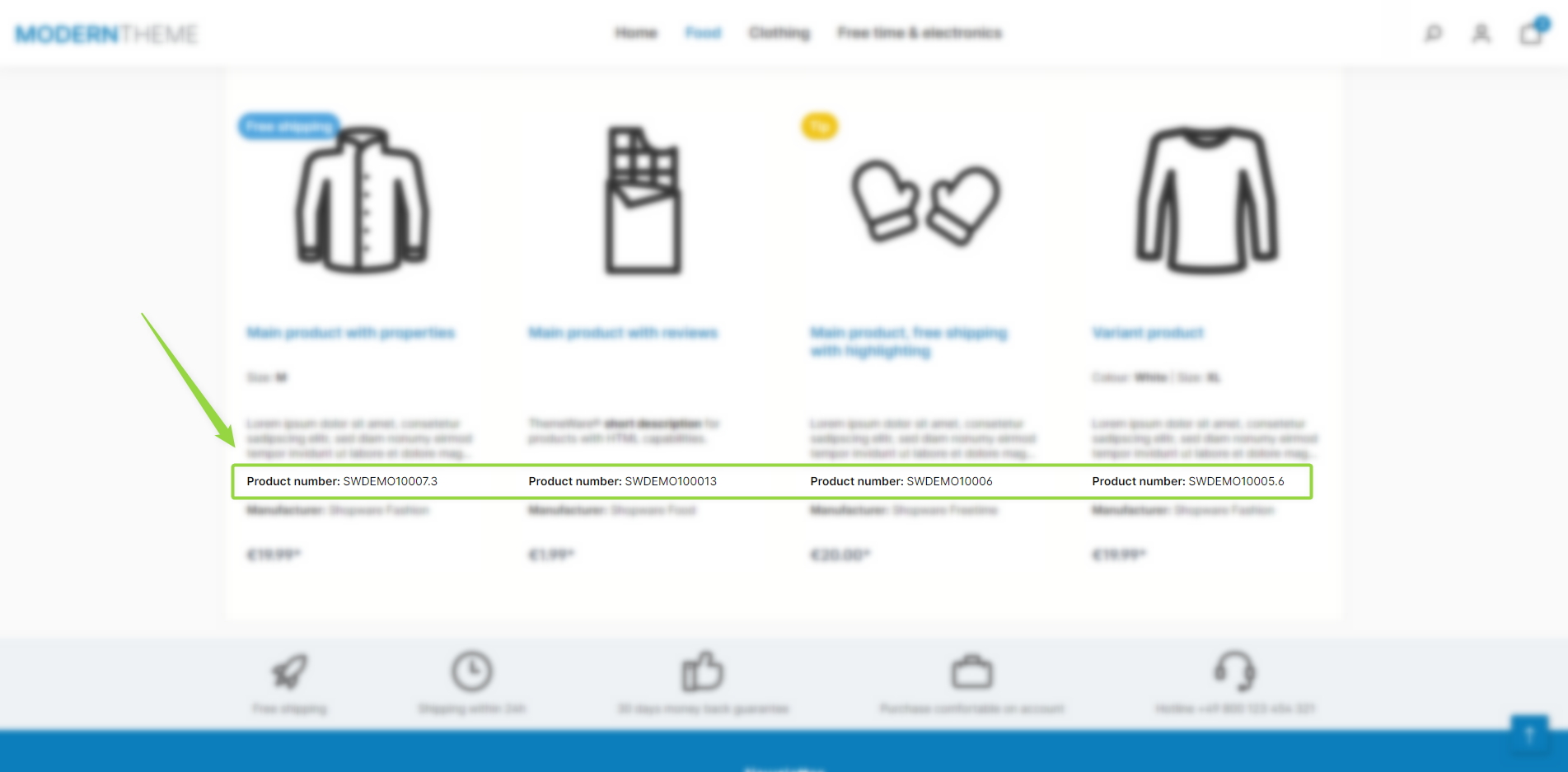
ThemeWare® "Product number in listings"
Note: The product number is shown in the product box if the "Show product number" configuration is enabled and the product has a product number.
Configuration
Theme configuration
- Go to the "Listing pages" tab
- Expand the "Product box" block
- Scroll to the "Content" section
- Enable the configuration "Show product number"
- Save your changes after editing
Content
- Edit the label prefixing the product number using the following snippet:
twt.listing.ordernumberLabel
- The product number is automatically added
Note: For information on how to edit snippets, see the following instructions: Texts: Editing and translation
Tip: If a change does not affect the storefront, just clear the Shopware cache: Clearing / warming up the Shopware cache
Summary
Theme configuration
- Tab "Listing pages" => Block "Product box" => Section "Content" => Show product number
Snippet
twt.listing.ordernumberLabel