
With the category custom field "Highlight category" you can, as the name says, highlight a category in the top navigation with a colour. You can find the colour configuration in the theme configuration.
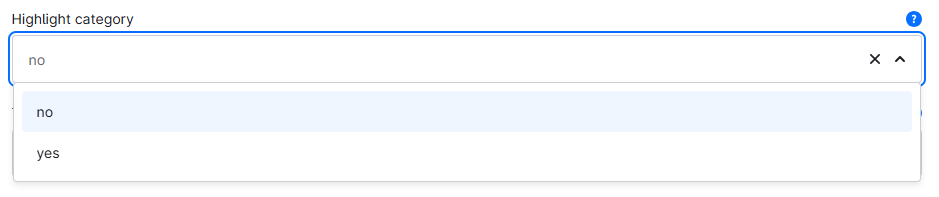
Custom field
Note: The highlighting does not apply to the "Entry point main navigation".
Custom field
You can find the "Highlight category" custom field in the respective category:
Tab "General" ⇒ Block "Custom fields" ⇒ Tab (Set) "Categories (ThemeWare® ... Pro)"
Type: Selection
Technical name: twt_{theme}_{edition}_custom_field__category__highlighted
Options
- no
- This category is not highlighted in the top navigation.
- yes
- This category is highlighted in the top navigation.
Screenshots

Highlighted category in top navigation
Theme configuration
You can find the general settings in the theme configuration:
Tab "Header" => Block "Top navigation" => Section "Link (highlighted)"
Further information
You can find more information about the extension "Highlight category" here:
Highlight category