
The ThemeWare® "Shopping Experiences Header" is particularly suitable for overlaying images, videos or sliders.
The category custom field "Shopping Experiences Header" enables the ThemeWare® Shopping Experiences Header in one or more categories.
Custom field
Tip: The "Shopping Experiences Header" can be activated or deactivated in the theme configuration.
Custom field
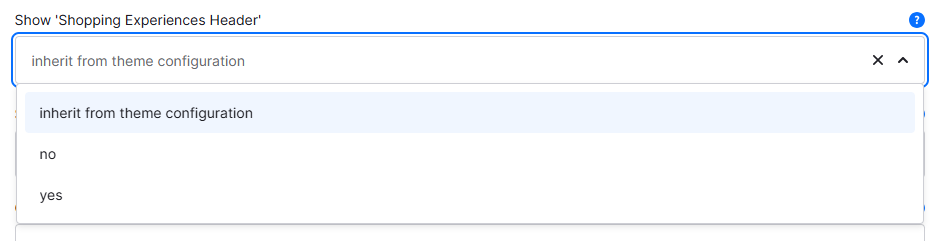
You can find the "Show 'Shopping Experiences Header'" custom field in the respective category:
Tab "General" ⇒ Block "Custom fields" ⇒ Tab (Set) "Categories (ThemeWare® ... Pro)"
Type: Selection
Technical name: twt_{theme}_{edition}_custom_field__category__shopping_experiences_header
Options
- inherit from theme configuration
- The "Shopping Experiences Header" is only displayed on the home page.
- no
- Deactivates the "Shopping Experiences Header" in this category.
- yes
- Activates the "Shopping Experiences Header" in this category.
Screenshots
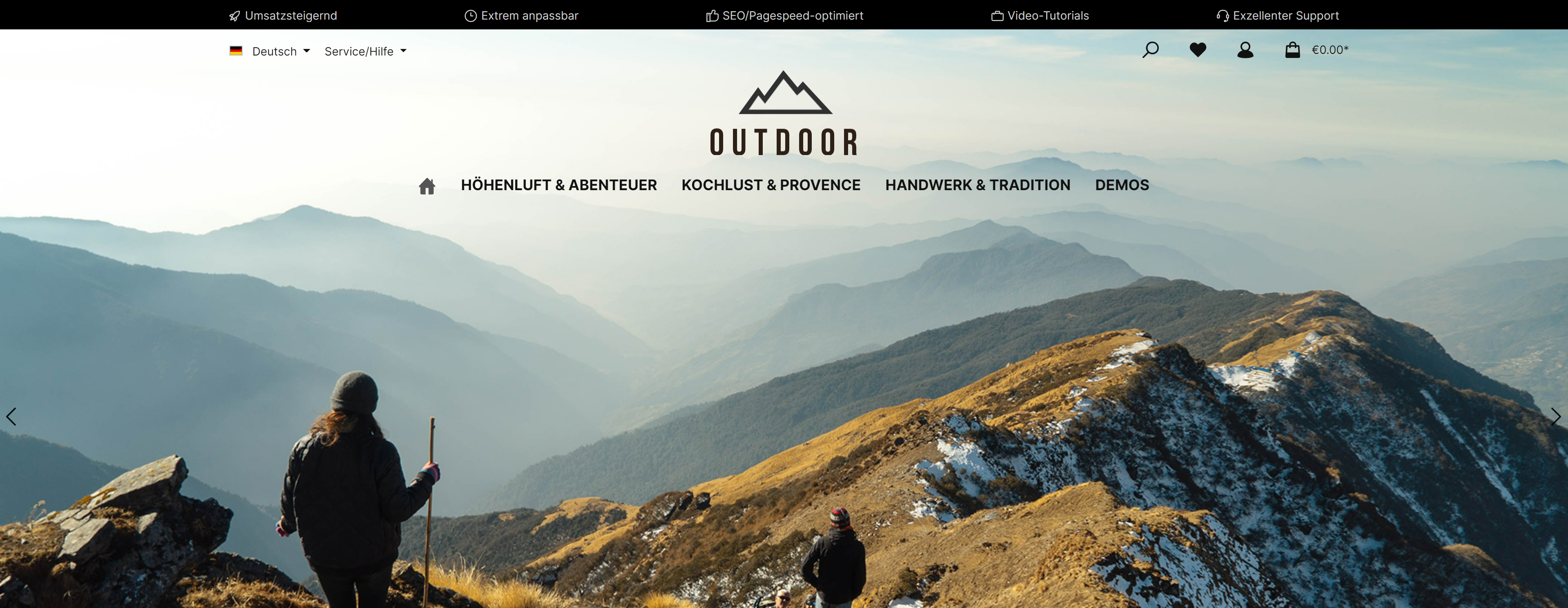
ThemeWare® "Shopping Experiences Header"
Theme configuration
You can activate/deactivate the "Shopping Experiences Header" in the theme configuration:
Tab "Header" => Block "Shopping Experiences Header" => Shopping Experiences Header
Further information
You can find the extension article and a tutorial in our Knowledge Base:
Shopping Experiences HeaderThemeWare® Knowledge Base => Configuring the Shopping Experiences Header