The ThemeWare® Hub integrates the benefits and features of the ThemeWare® Service Portal directly into your administration – exactly where you need them.
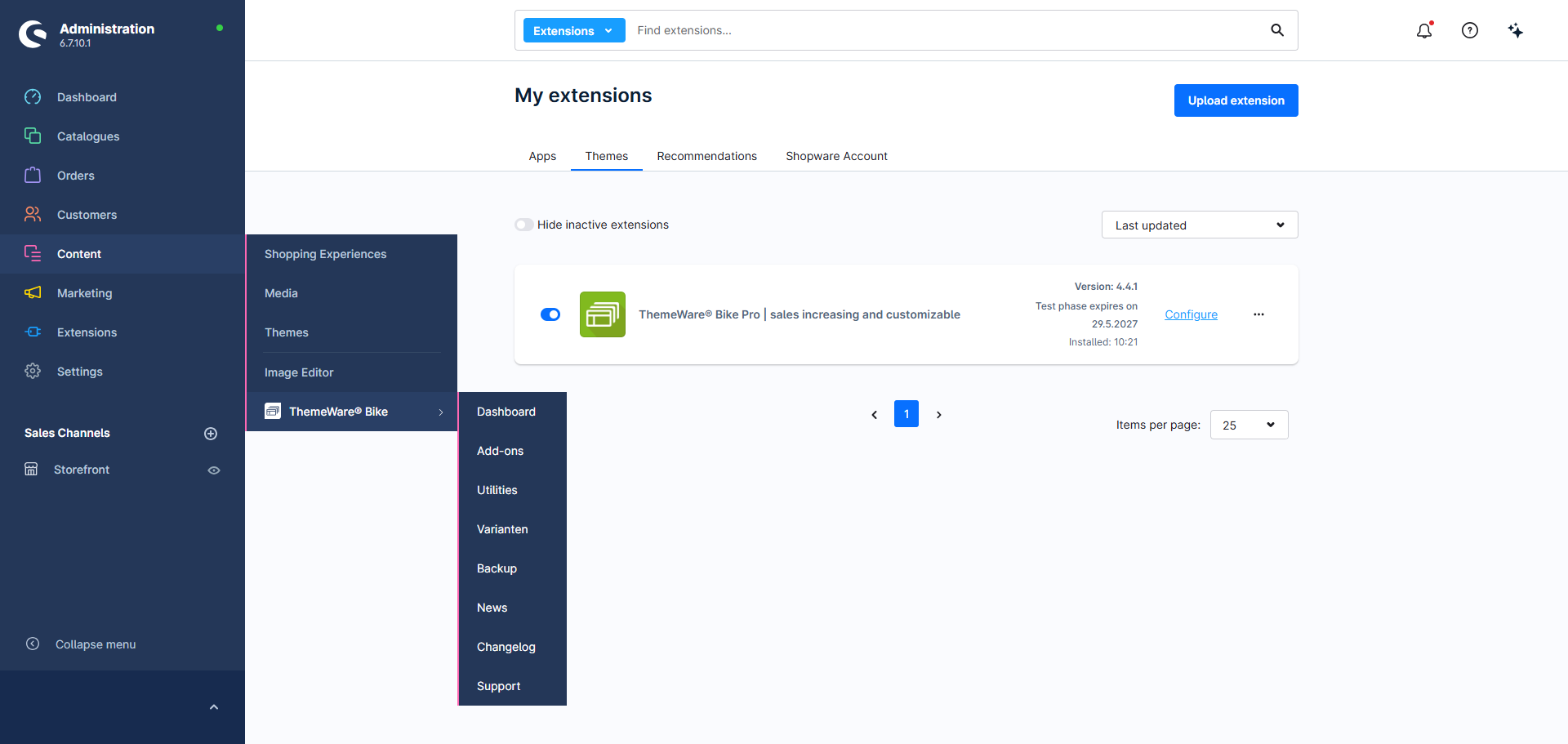
The Hub bundles all functions into dedicated tabs:
- Dashboard — overview, setup assistant and quick access
- Add-ons — unlock optional features
- Utilities — request the free extras package
- Variants — create theme variants and take over configurations
- Backup — back up and restore your theme configuration
- News — news & announcements
- Changelog — version history & updates
- Support — help, guides & contact
Note: The ThemeWare® Hub in the administration is part of the ThemeWare® improvements to the administration and is therefore only available in the Pro Edition.
Access the ThemeWare® Hub
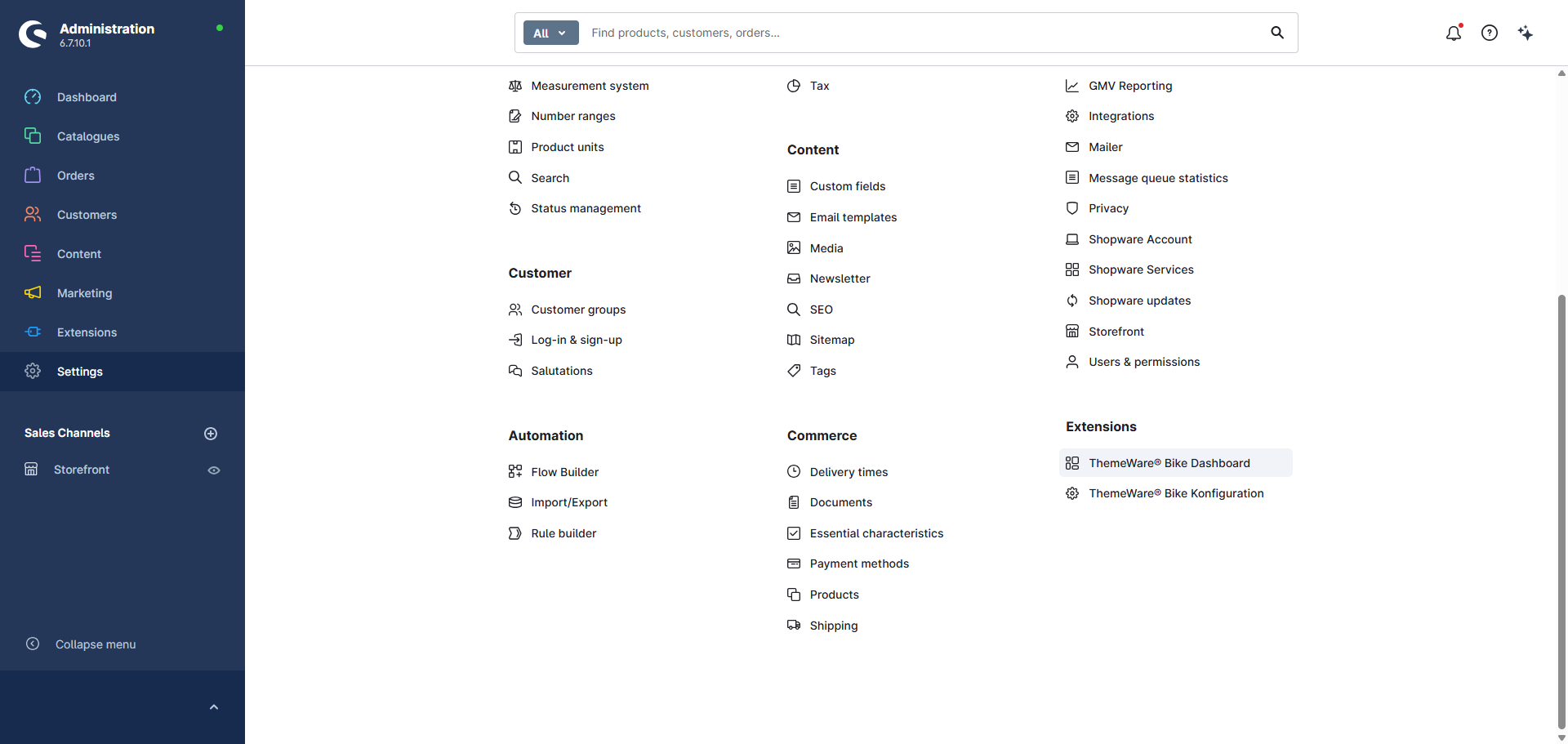
You can access the ThemeWare® Hub via the main navigation bar or the Shopware settings.
Main navigation
Content > ThemeWare® {Your theme}
Shopware settings
Settings > Extensoins > ThemeWare® {Your theme} Dashboard