
The properties tab shows the properties of a product in a separate tab on the product page.
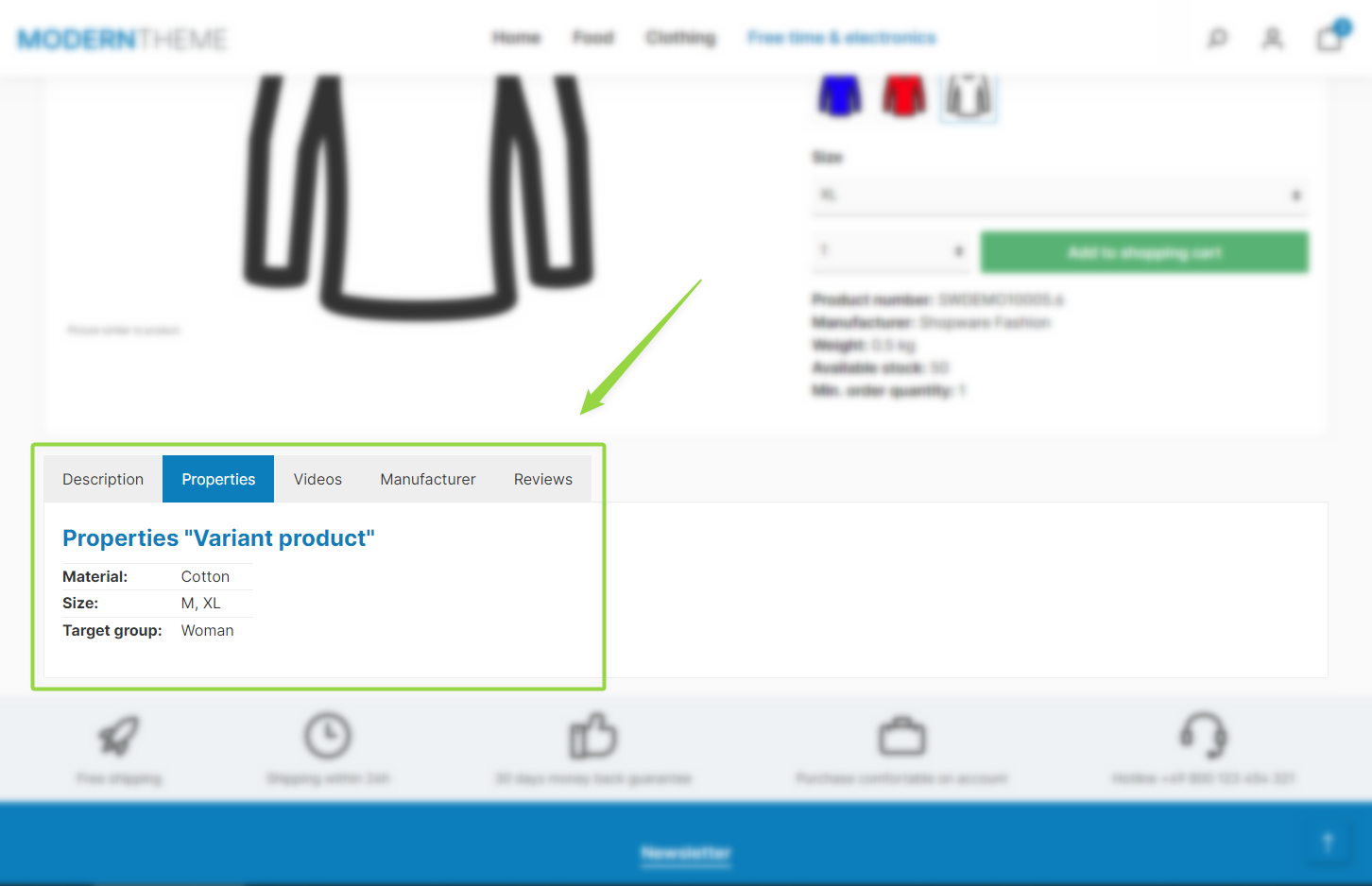
ThemeWare® "Properties tab"
Note: The tab is displayed if the "Show properties table in a seperate tab" configuration is set to "show in a seperate tab" and the product has at least one property.
Configuration
Theme configuration
- Go to the "Product pages" tab
- Expand the "Tab "Properties"" block
- Set the configuration "Show properties table in a seperate tab" to "show in a seperate tab"
- Save your changes after editing
Content
The "Properties tab" integrates the properties table (Shopware standard) from the "Description" tab.
Title
The tab name is based on the snippet twt.detail.tabProperties.title.
Headline
A headline is displayed within the tab. You edit the text using the snippet twt.detail.tabProperties.headline (%product% is replaced by the product name).
Info text
An info text can optionally be displayed below the properties table. You edit the text using the snippet twt.detail.infoProperties.
Note: For information on how to edit snippets, see the following instructions: Texts: Editing and translation
Tip: If a change does not affect the storefront, just clear the Shopware cache: Clearing / warming up the Shopware cache
Options
- Show headline
- Controls the headline within the tab: "show", "don't show", "show product name only" or "show snippet only".
- Show info text below properties table
- Optionally displays an info text below the table ("show" / "don't show").
Summary
Theme configuration
- Tab "Product pages" => Block "Tab "Properties"" => Show properties table in a seperate tab
- Tab "Product pages" => Block "Tab "Properties"" => Section "Basic configuration" => Show headline / Show info text below properties table
Snippets
- Title
twt.detail.tabProperties.title
- Headline
twt.detail.tabProperties.headline
- Info text
twt.detail.infoProperties