
With Manufacturer information on product pages you display the details of a product's manufacturer – description, logo and link – on the product page. The information can be shown in the description or in a separate tab.
The data comes from the respective manufacturer in Shopware (Catalogues ⇒ Manufacturers):
- Name of the manufacturer
- Description of the manufacturer
- Logo of the manufacturer
- Website (link) of the manufacturer
Note: The manufacturer information is displayed when the feature is activated in the theme configuration and a manufacturer is assigned to the product.
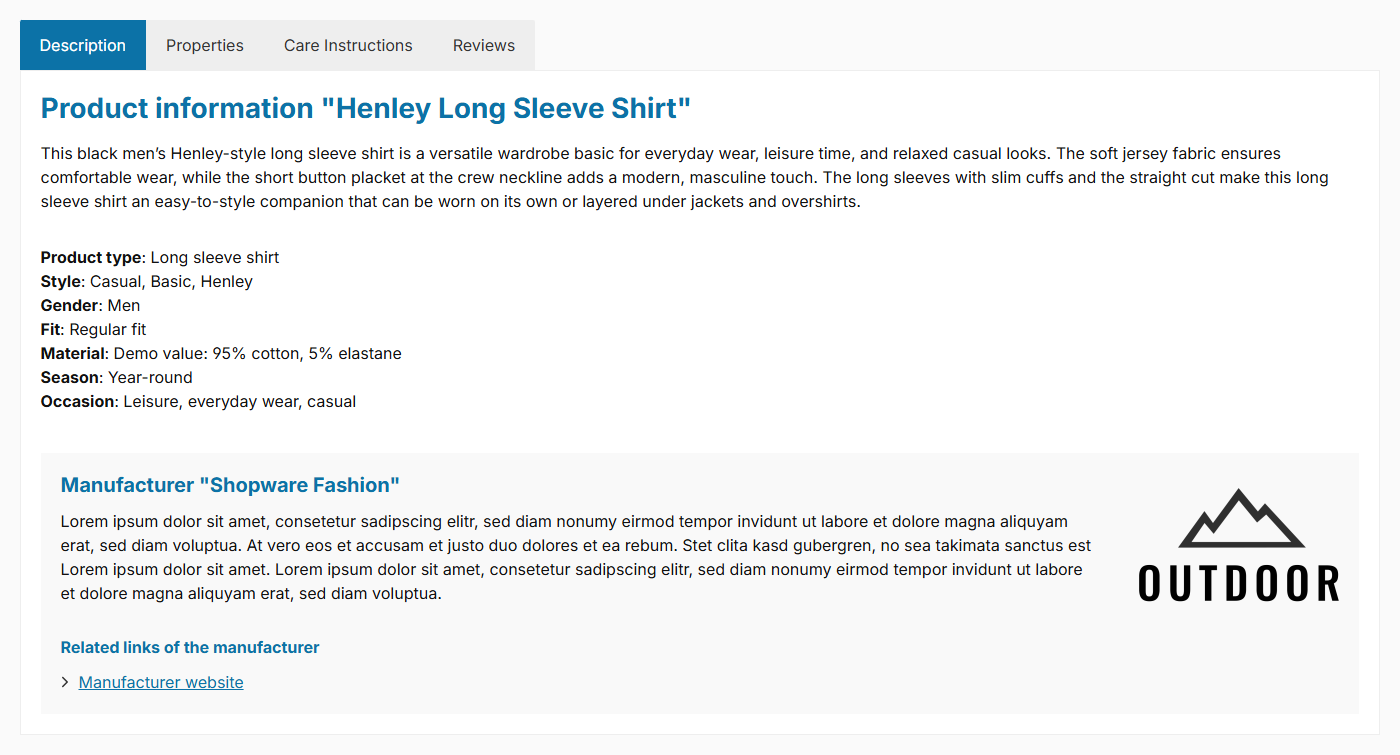
Manufacturer information in the description
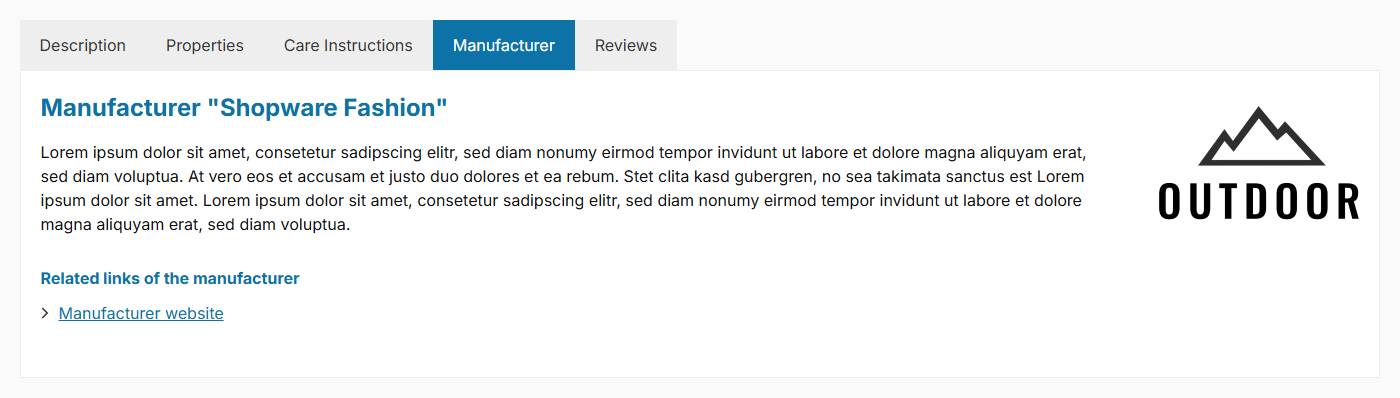
Manufacturer information in a separate tab
Configuration
Theme configuration
- Go to the "Product pages" tab
- Expand the "Manufacturer (in tabs)" block
- Select the desired placement for the "Show manufacturer" configuration: "show in the description" or "show in a separate tab"
- Optional: Adjust the further options in the "Basic configuration" and "Related manufacturer links" sections (see below)
- Save your changes after editing
Manufacturer details (Shopware)
You maintain the displayed data directly on the manufacturer in Shopware:
- Switch via the main navigation to the "Manufacturers" management ("Catalogues" => "Manufacturers")
- Choose the manufacturer you want to edit (or create a new one via "Add manufacturer")
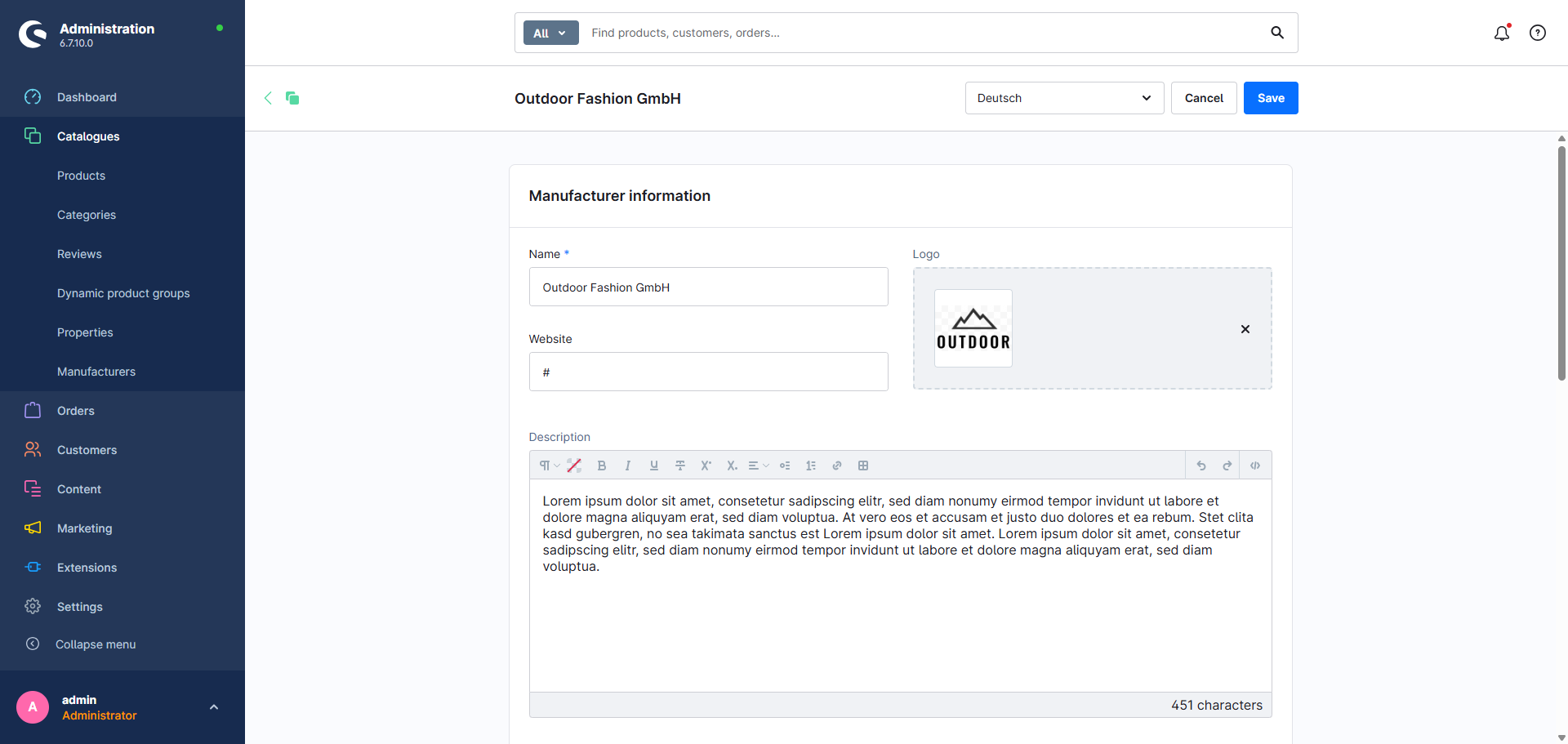
- In the "Manufacturer information" card, maintain the desired details:
- Name
- Description
- Website
- Logo (add media and set it via "Use as Logo")
- Save your changes
Options
- Show manufacturer
- Controls the placement of the manufacturer details: "don't show", "show in the description" or "show in a separate tab".
- Show manufacturer logo (section "Basic configuration")
- Shows or hides the manufacturer logo.
- Show subheadline (section "Related manufacturer links")
- Shows or hides the subheadline above the manufacturer links.
- Show "Further products" link (section "Related manufacturer links")
- Shows or hides a link to further products of the manufacturer.
- Show "Manufacturer website" link (section "Related manufacturer links")
- Shows or hides a link to the manufacturer website.
Snippets
The following texts apply regardless of whether the manufacturer is displayed in the description or in its own tab:
- Subheadline "Related links":
twt.detail.tabManufacturer.moreInformation - "Further products" link:
twt.detail.tabManufacturer.linkProducts.label - "Manufacturer website" link:
twt.detail.tabManufacturer.linkWebsite.label
In the "Further products" link label the placeholder
%manufacturer%is replaced by the manufacturer name.
If the manufacturer is displayed in the description, the manufacturer box there uses the headline twt.detail.manufacturer.title (%manufacturer% is replaced by the manufacturer name).
Summary
Theme configuration
- Tab "Product pages" => Block "Manufacturer (in tabs)" => Show manufacturer
- Tab "Product pages" => Block "Manufacturer (in tabs)" => Section "Basic configuration" => Show manufacturer logo
- Tab "Product pages" => Block "Manufacturer (in tabs)" => Section "Related manufacturer links" => Show subheadline / Show "Further products" link / Show "Manufacturer website" link
Snippets
twt.detail.tabManufacturer.moreInformationtwt.detail.tabManufacturer.linkProducts.label%manufacturer%is replaced by the manufacturer name.
twt.detail.tabManufacturer.linkWebsite.labeltwt.detail.manufacturer.title%manufacturer%is replaced by the manufacturer name.
Further information
You can find details on displaying it in its own tab here:
Manufacturer tabThe product safety information under the GPSR can also be displayed in the manufacturer tab:
GPSR information on product pages