
With this group of category custom fields you can customise the "Hero section" in this category.
Custom fields
Tip: General or global settings can be found in the theme configuration.
Custom fields
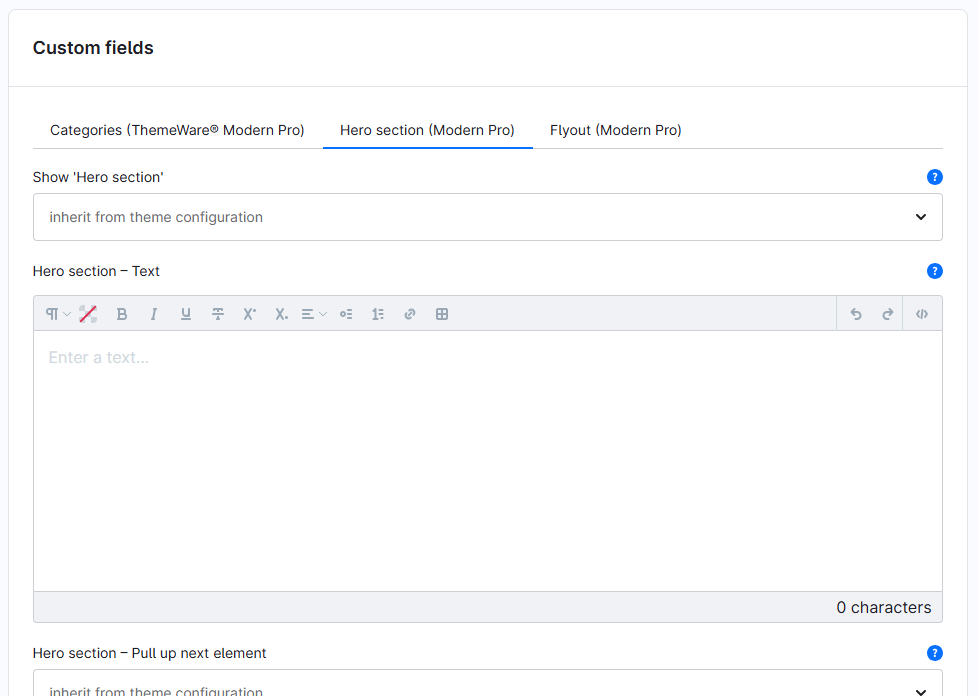
You can find the "Hero section" custom fields in the respective category:
Tab "General" ⇒ Block "Custom fields" ⇒ Tab (Set) "Hero section (... Pro)"
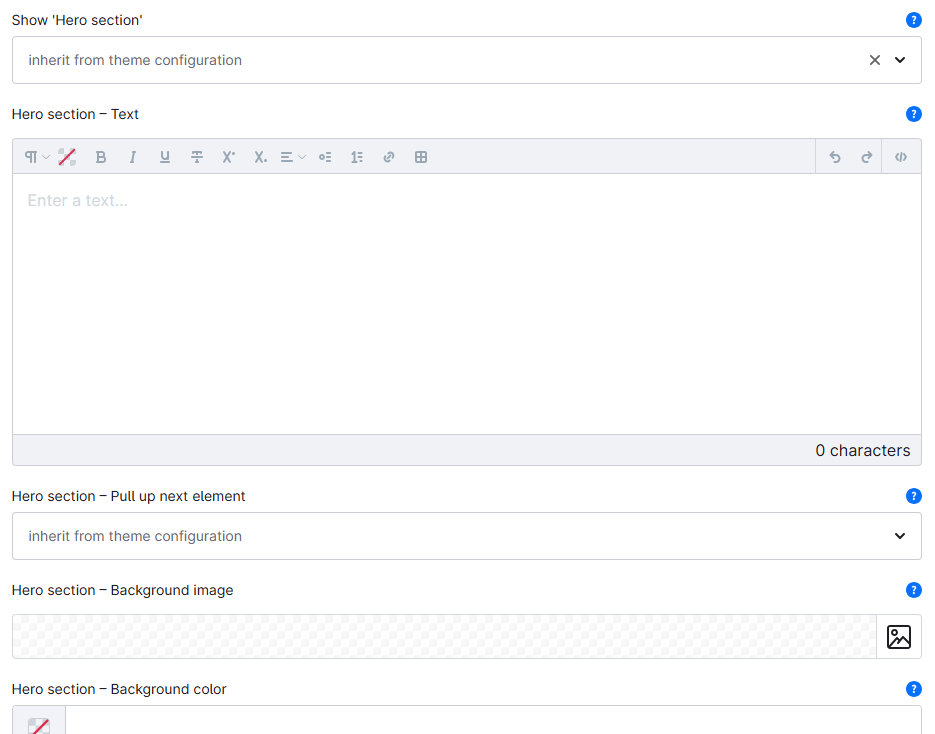
Show Hero section
Select whether you want to display the "Hero section" in this category.
- inherit from theme configuration
- This is the default option. In this case, the theme configuration defines whether the "Hero section" is displayed or not.
- no
- The "Hero section" is not displayed in this category, regardless of the theme configuration settings.
- yes
- The "Hero section" is displayed in this category if you have selected the representation option
show (via custom field)in the theme configuration.
- The "Hero section" is displayed in this category if you have selected the representation option
Type: Selection
Technical name: twt_{theme}_{edition}_custom_field__category__hero_section
Text
Enter a text for the "Hero section". If you leave this field empty, the category description is displayed. The input field is HTML-capable.
Type: Text editor (HTML)
Technical name: twt_{theme}_{edition}_custom_field__category__hero_section_text
Pull up next element
Select whether the next HTML element should be pulled up a bit over the "Hero section", or use the option "inherit from theme configuration".
Beta: This configuration is in a testing phase, feel free to give it a try.
Type: Selection
Technical name: twt_{theme}_{edition}_custom_field__category__hero_section_pull_up
Background image
Select a custom background image for this category or leave the field empty to display the category image ("Menu settings" → "Display image").
Recommended image size: 1920 × 1080 pixels
Type: Media selection
Technical name: twt_{theme}_{edition}_custom_field__category__hero_section_background_image
Background colour
Select an individual background colour for the coloured overlay of this category or leave the field empty to use the theme configuration.
Type: Colour picker
Technical name: twt_{theme}_{edition}_custom_field__category__hero_section_background_color
Text colour
Select an individual text colour for this category ("white text", "light text", "dark text" or "black text") or use the option "inherit from theme configuration".
Type: Selection
Technical name: twt_{theme}_{edition}_custom_field__category__hero_section_text_coloration
Screenshot
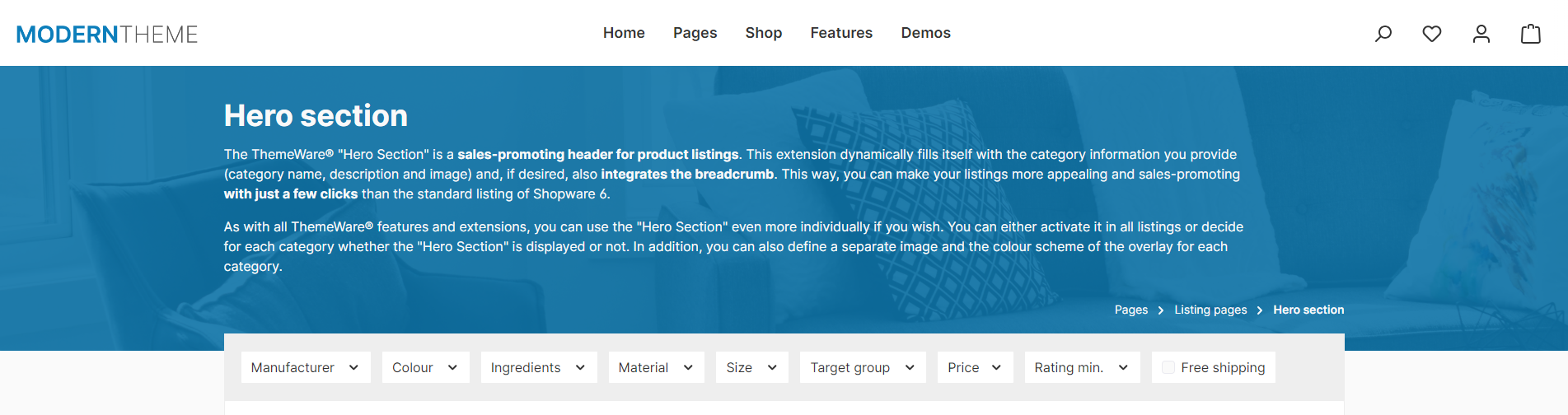
Theme configuration
You can find the general (global) settings in the theme configuration:
Tab "Extensions" => Block "Hero section (on listing pages)"
Further information
You can find more information about the extension "Hero section" here:
Hero section