
With the tabs on product pages you organise additional product information into separate tabs – e.g. properties, datasheets, product videos, manufacturer or a custom tab.
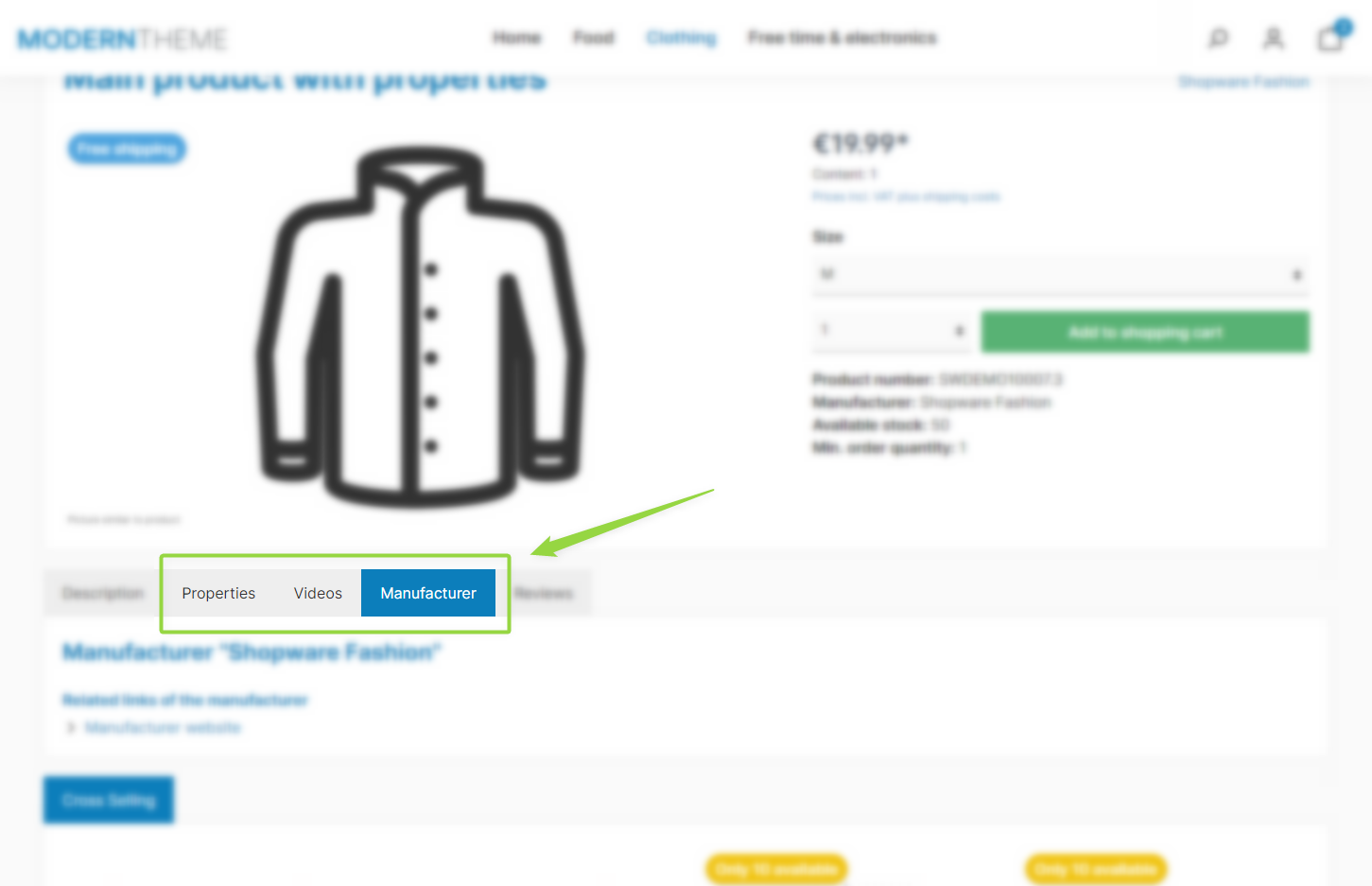
ThemeWare® "Tabs on product pages"
Note: Each tab is only displayed if it is enabled in the theme configuration and the product has the corresponding content (e.g. a filled custom field, a property or a manufacturer). Tabs without content are hidden automatically. See the respective subpages for details.
Configuration
You can find the configuration in the tab "Product pages":
Tab "Product pages" => Block "Tabs"
Available tabs
Summary
Theme configuration
- Tab "Product pages" => Block "Tabs"