
The "Sales infotext" on the product page signals that a product has already been purchased frequently and thereby confirms that previous buyers were very satisfied.
You can use the threshold configuration to define from which quantity of sales the infotext is displayed. From this threshold onwards, the actual number of sales is output rounded down; below the threshold, the infotext is not displayed.
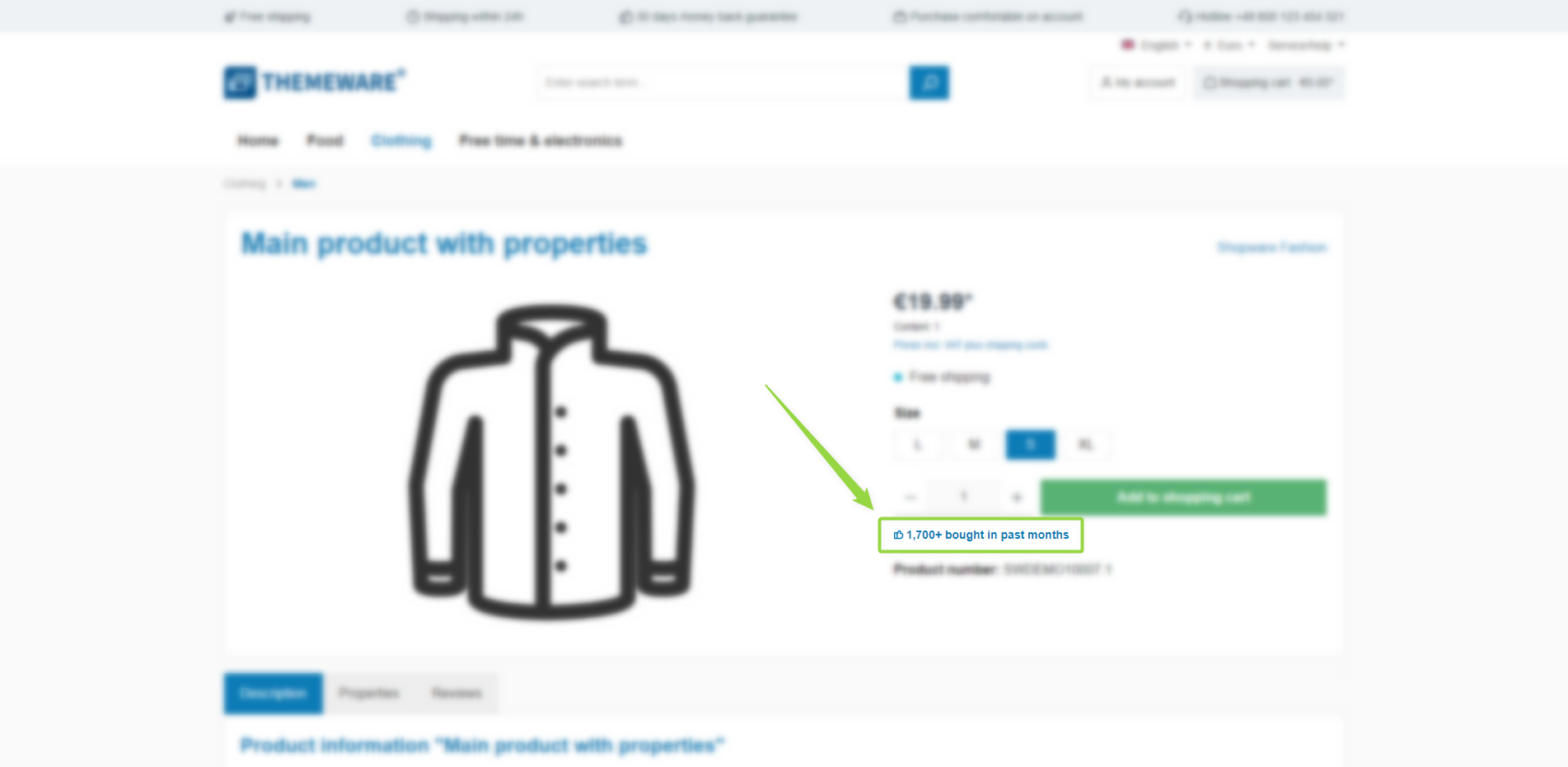
ThemeWare® "Sales infotext" (Buybox)
Note: The infotext is displayed if the "Show sales infotext" configuration is enabled and the number of sales reaches the defined threshold.
Configuration
Theme configuration
- Go to the "Product pages" tab
- Expand the "Social proofing (in the buybox)" block
- Set the configuration "Show sales infotext" to "show"
- Save your changes after editing
Content
- Edit the infotext using the snippet
twt.extension.socialProofing.infotext- The placeholder
%sales%is replaced by the (rounded down) number of sales
- The placeholder
- Edit the icon using the snippet
twt.extension.socialProofing.icon
Note: For information on how to edit snippets, see the following instructions: Texts: Editing and translation
Tip: If a change does not affect the storefront, just clear the Shopware cache: Clearing / warming up the Shopware cache
Options
- Threshold
- Specify from which quantity of sales the infotext is displayed (default: 1000).
- Limit visibility
- Select whether the infotext is displayed for "all products" or only for "Topseller".
- Position
- Select whether the infotext is displayed above or below the cart button.
- Show icon
- Optionally display an icon in front of the infotext.
Note: The quantity of sales of a product is an absolute value in Shopware 6. A limitation to a certain period is not possible at the moment.
Summary
Theme configuration
- Tab "Product pages" => Block "Social proofing (in the buy box)" => Show sales infotext
- Tab "Product pages" => Block "Social proofing (in the buy box)" => Section "Basic configuration" => Threshold / Limit visibility / Position / Show icon
Snippets
twt.extension.socialProofing.infotexttwt.extension.socialProofing.icon