
With the ThemeWare® Utilities you get over 90 pagespeed optimised logos from various payment providers. All logos are visually matched to each other and result in a uniform, tidy and sales-promoting look in your shop.
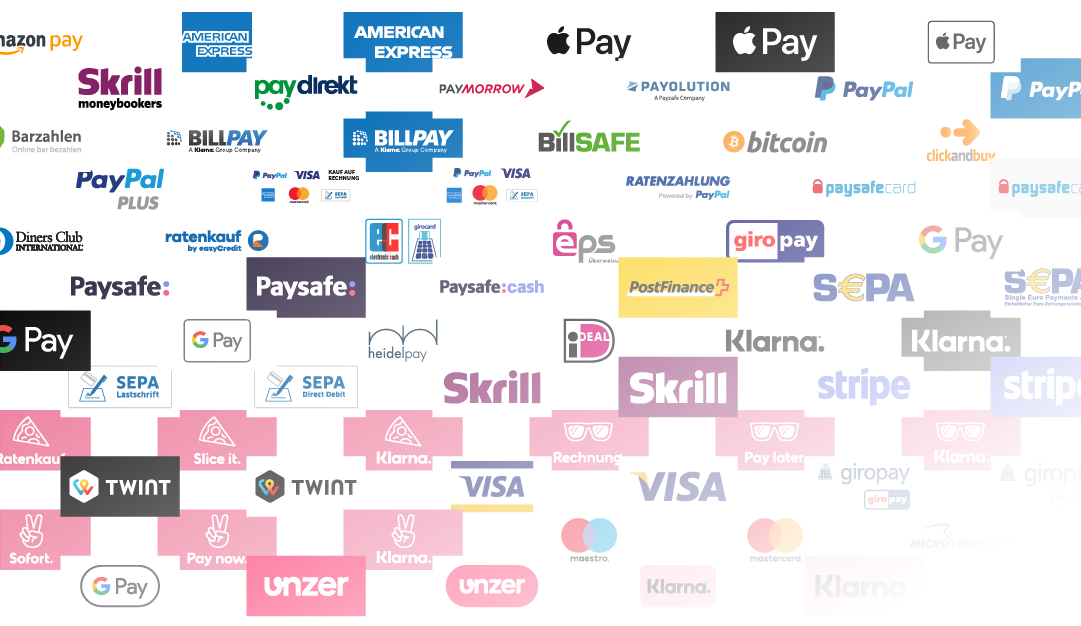
ThemeWare® Payment method logos
Logos
All logos are pagespeed optimised SVG files. In addition to the most popular providers, you will also find many international providers, some in different colour variants:
- Amazon Pay
- Giropay
- Google Pay
- Klarna
- Mastercard
- Paypal
- Skrill
- Stripe
- Visa
- u.v.m.
Are you missing a provider? Then send us a suggestion for improvement at any time via our Service Portal:
ThemeWare® Service Portal => Suggest an improvement (Feature request)
Download
Use the following link to get free access to the ThemeWare® theme utilities for your theme. These will be sent to you immediately by e-mail:
ThemeWare® Service Portal => ThemeWare® Utilties
Configuration
More information about the configuration of payment methods in Shopware 6 can be found in the Shopware documentation:
Shopware Documentation => Payment methods
Additional information
You can find more information about configuring logos in ThemeWare® in the following article:
Payment logos