
The product short description is managed via a custom field in the corresponding product.
You can choose via the theme configuration whether the content should be displayed on category and/or product pages.
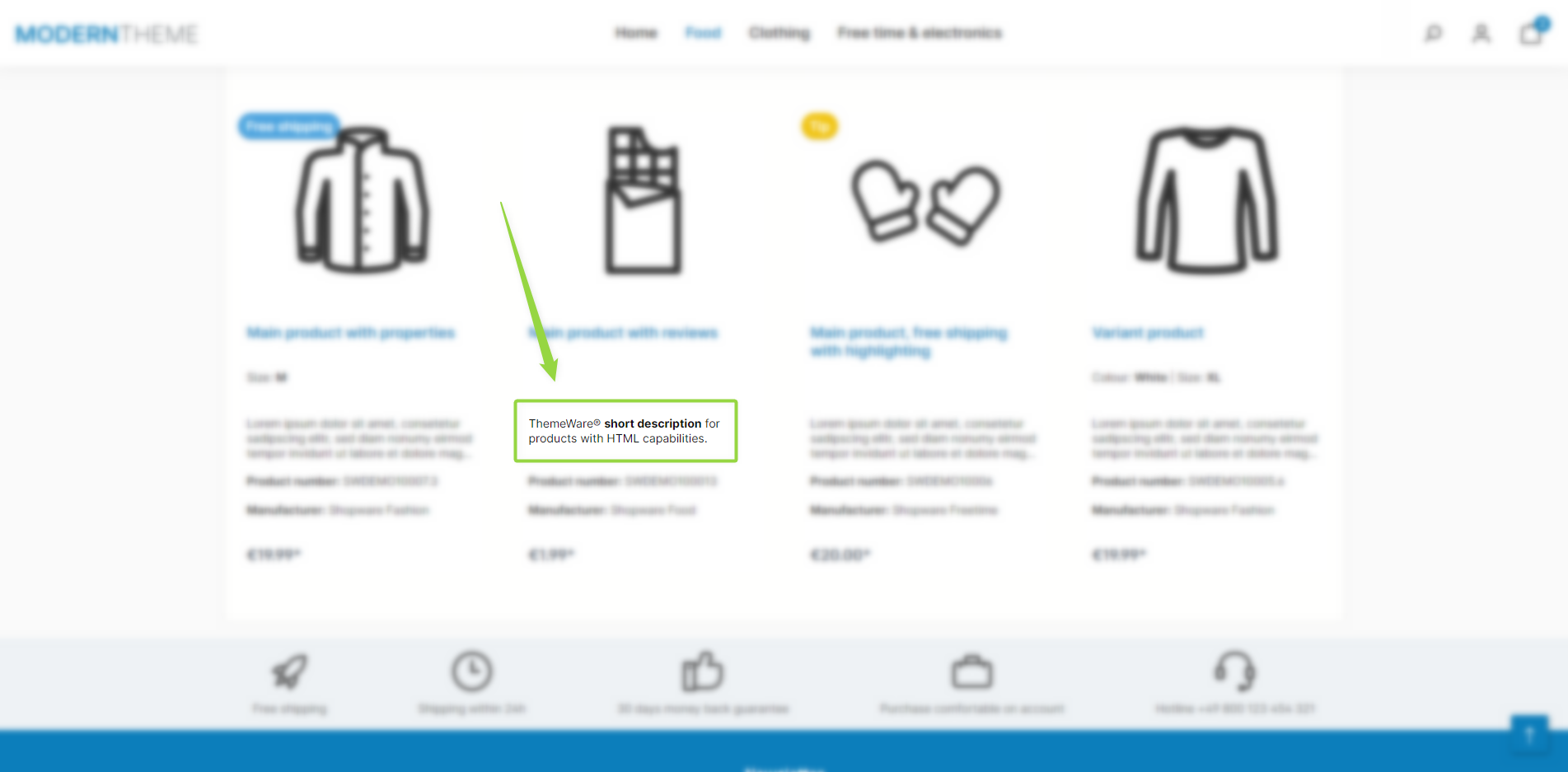
ThemeWare® "Product short description" (Categories)
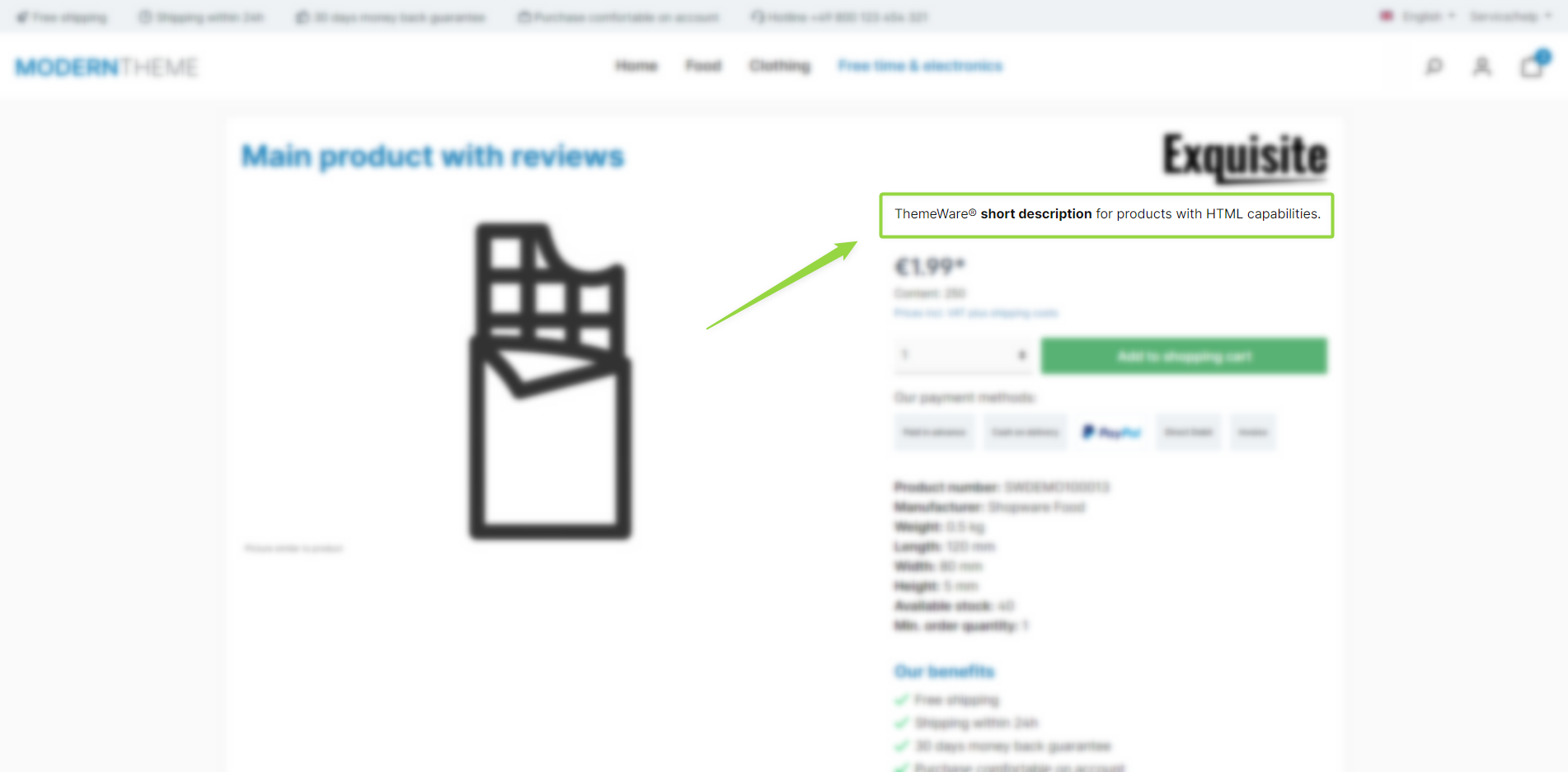
ThemeWare® "Product short description" (Product pages / Buybox)
Note: A description in categories is only available in listing CMS elements with the "Standard" layout type! This also applies to the ThemeWare® short description.
Note: The short description is displayed if it is enabled in the theme configuration (separately for the product box on listing pages and the buybox on product pages) and the "Short description" custom field is filled on the product.
Configuration
Theme configuration
Categories
- Go to the tab "Listing pages"
- Expand the block "Product box"
- Scroll to the section "Content"
- Set the configuration "Use short description" to "use"
- Save your changes after editing
Product pages
- Go to the tab "Product pages"
- Expand the block "Buybox"
- Scroll to the section "Basic configuration"
- Enable the configuration "Show short description"
- Save your changes after editing
Content
- Switch via the main navigation to the "Product managment" (1) (2) ("Catalogues" => "Products")
- Choose the product you want to edit (3)
- Switch to the tab "Specifications"
- Scroll to the section "Custom fields" (4)
- Select the custom field set of your theme (5)
- Enter the desired text in the custom field "Short description" (6)
- Save your changes (7)
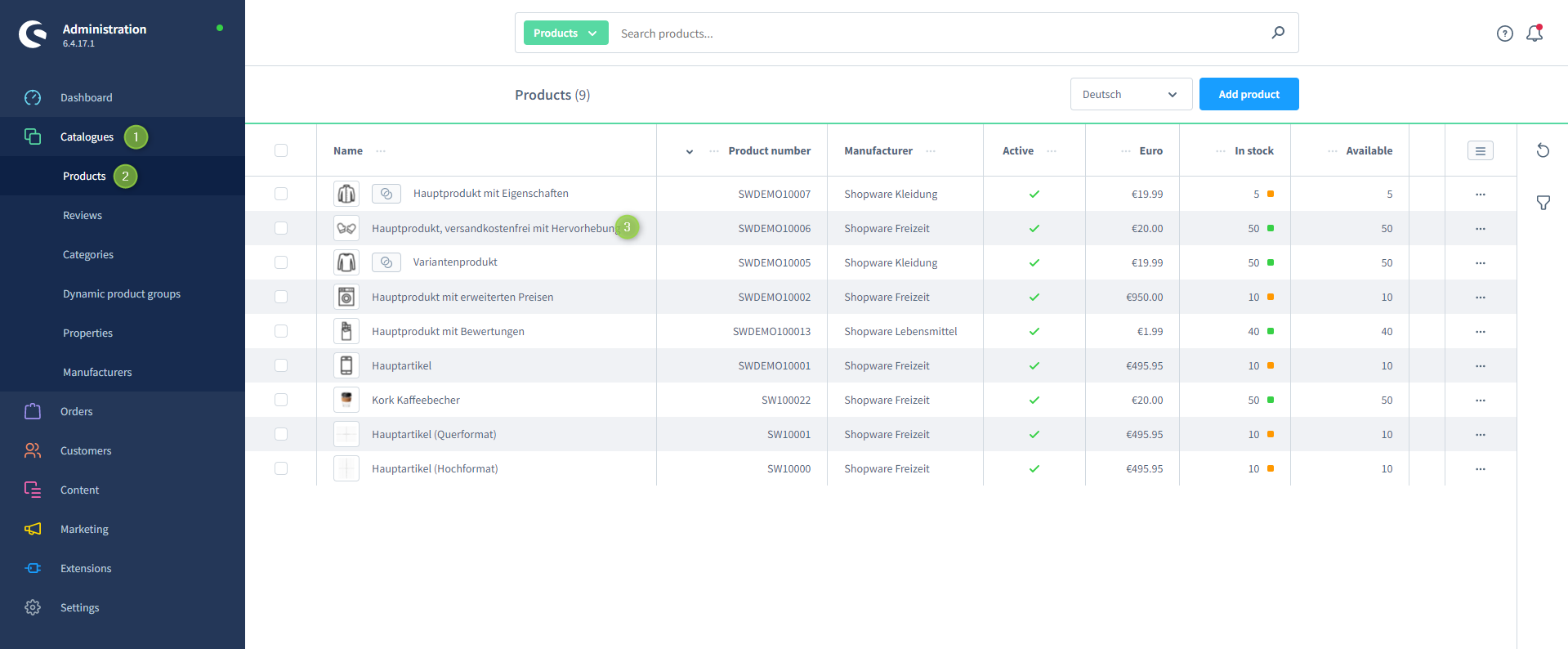
Shopware 6 product managment
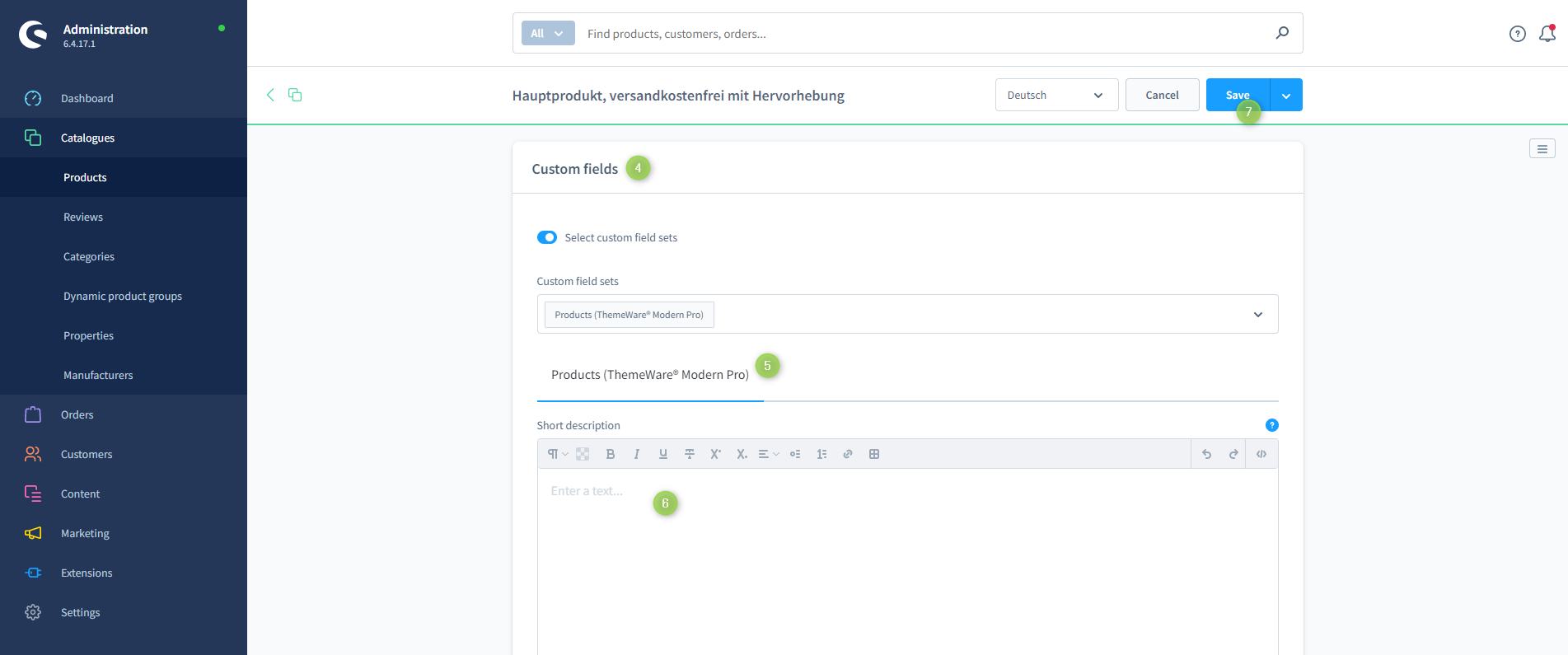
Note: You can find more information about the corresponding custom field in the article Short description.
Tip: If a change does not affect the storefront, just clear the Shopware cache: Clearing / warming up the Shopware cache
Custom fields
Short descriptionSummary
Theme configuration
- Tab "Listing pages" => Block "Product box" => Section "Content" => Use short description
- Tab "Product pages" => Block "Buy box" => Section "Basic configuration" => Show short description