
The ThemeWare® "Sale" CMS blocks themselves have no special features. However, you must use them to place the corresponding CMS elements in your Shopping Experience.
Note: You can find more information about the ThemeWare® "Sale" elements here: Sale
Available "Sale" blocks
Add "Sale" block
Select a CMS block and simply drag'n'drop it into your Shopping Experience.
Note: You can find "Sale" CMS blocks in the "ThemeWare® Sale" section [Pro].
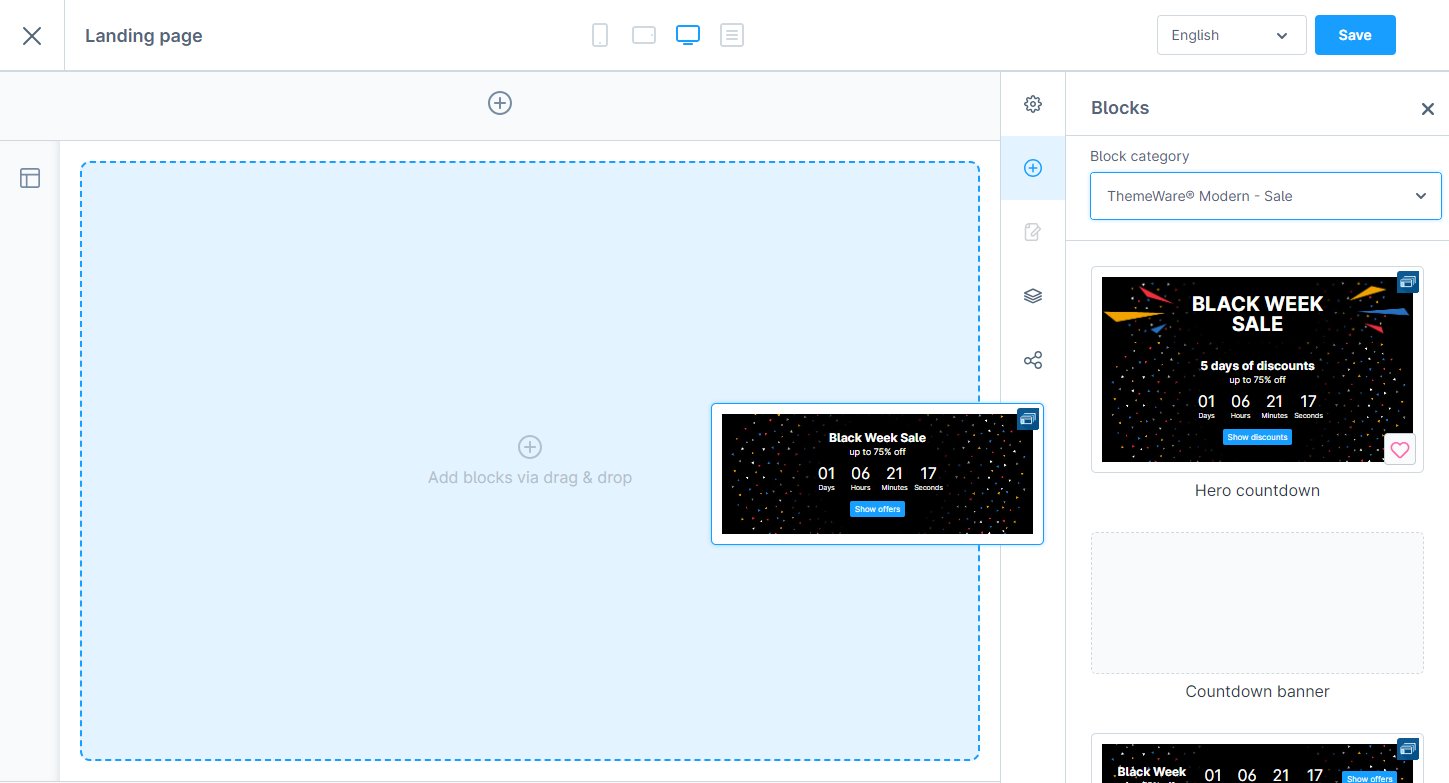
Add a "Sale" CMS block